
Intelligence
inside your
retail devices.
Edge AI / Vision AI / Digital Human
Explore the vision AI and digital human technologies behind Winmore Digital solutions—and how they fit into your hardware and software workflows.
DESIGNED FOR YOUR ECOSYSTEM
Retail ISVs
POS Vendors
Device Manufacturers
System Integrators
01/CORE CAPABILITIES
See the world.
Understand the customer.
Two complementary AI capabilities, connected to practical retail and self-service applications.
01.A / VISION INTELLIGENCE
Vision AI
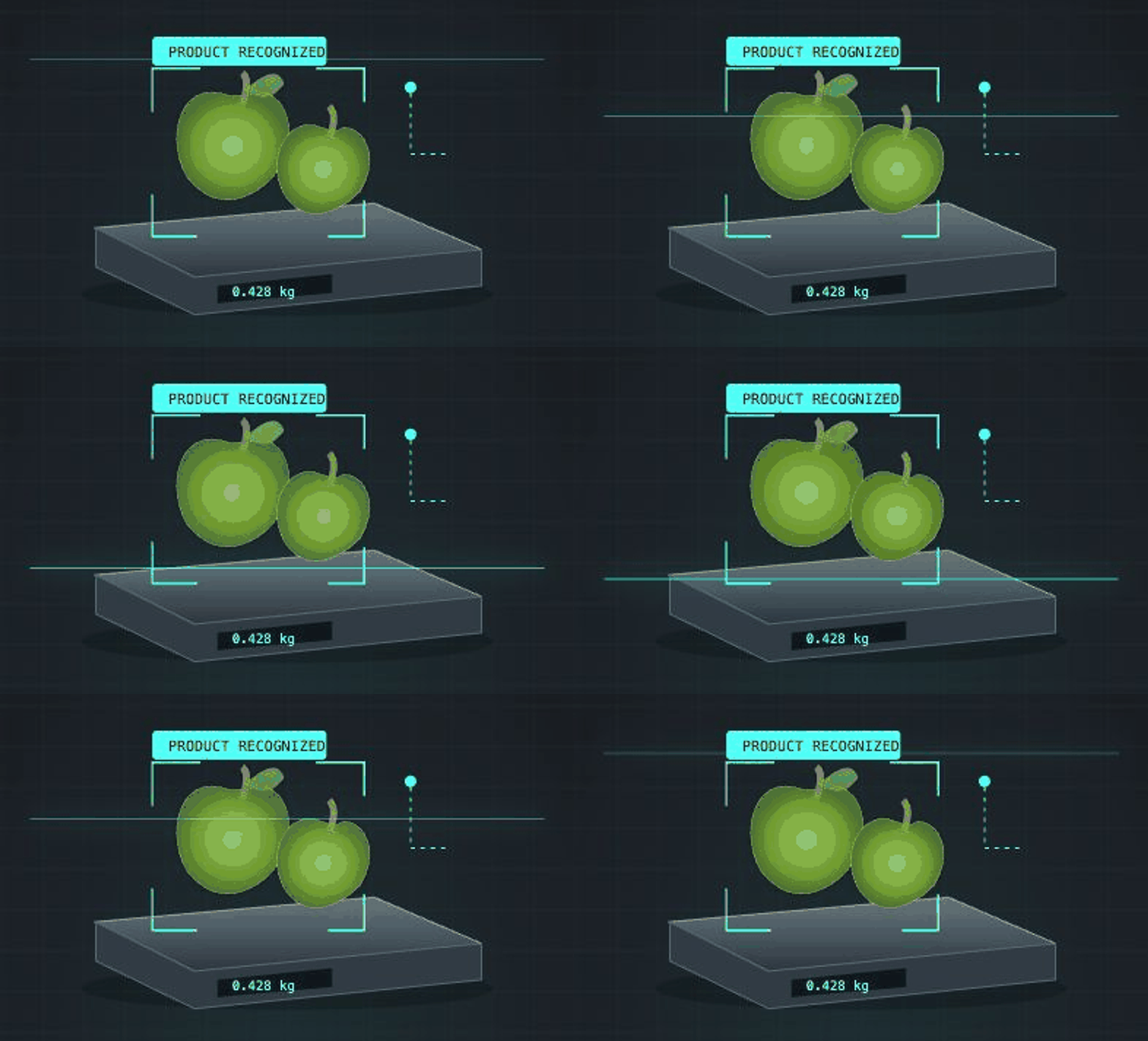
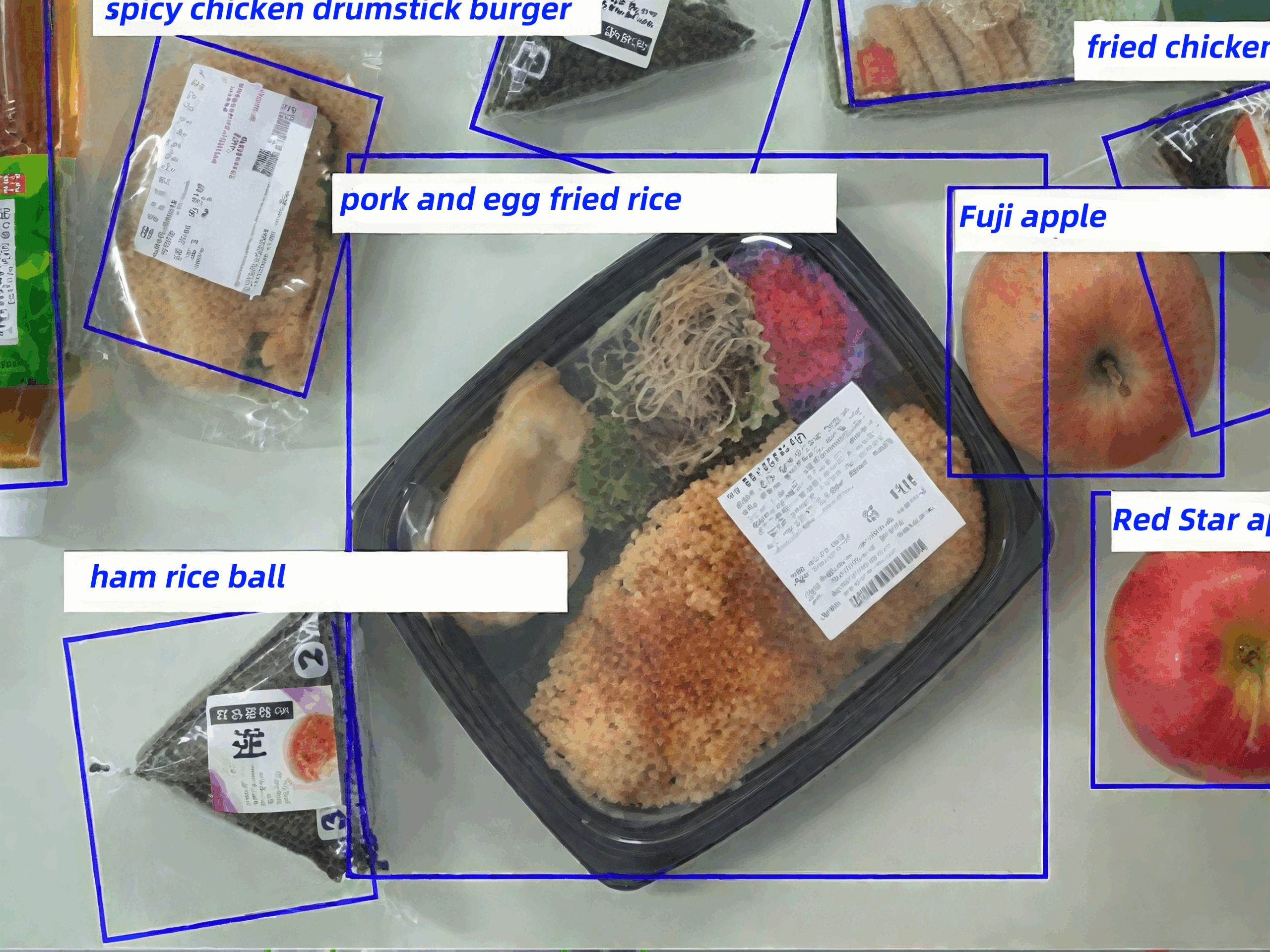
Turn camera input into product recognition and detection results for weighing, food checkout and self-checkout loss prevention.
Product recognition · Object detection · Checkout workflows
01.B / CONVERSATIONAL INTERACTION
Digital Human
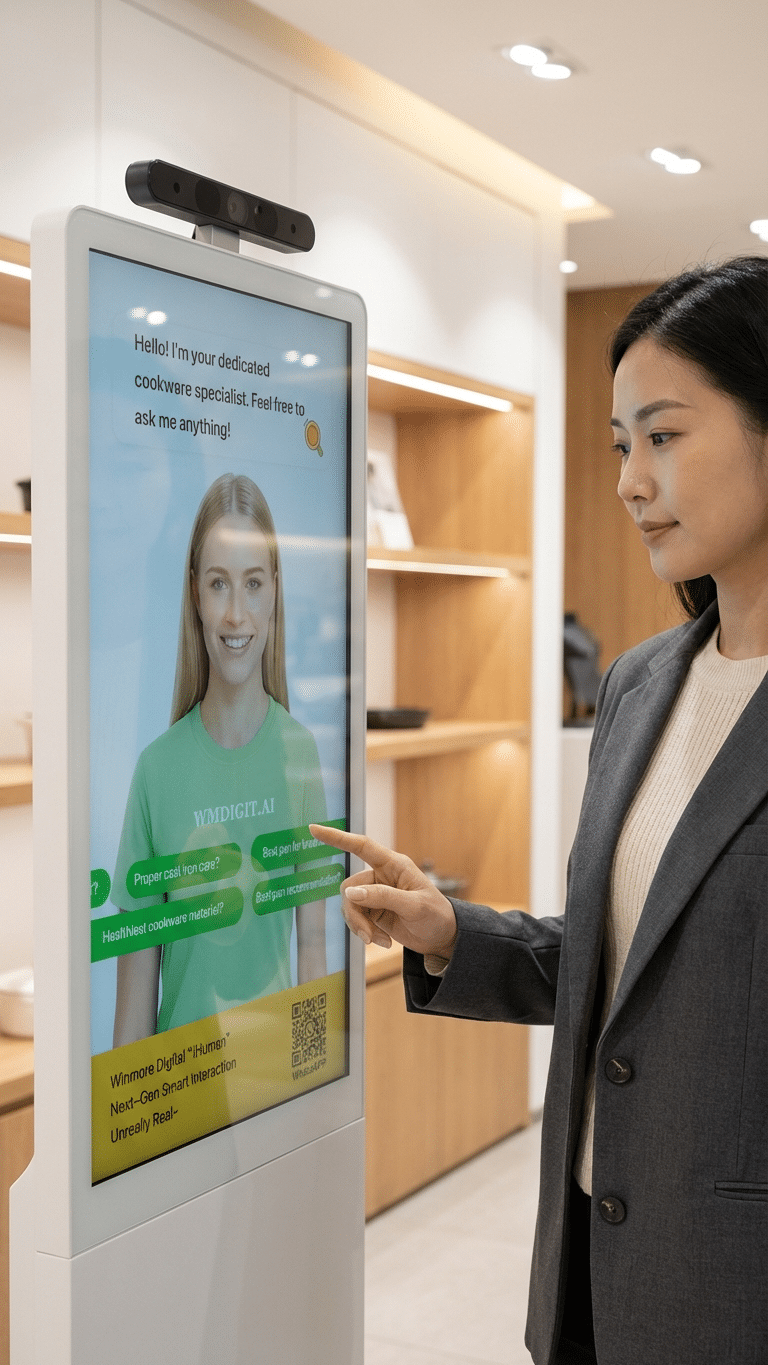
Connect voice understanding, business content and expressive digital characters to create interactive self-service experiences.
Speech recognition · Language understanding · Voice & animation
02 / VISION AI IN ACTION
From an image
to the next action.
Recognition becomes useful when it connects to the way your retail application already works.
03 / DIGITAL HUMAN INTERACTION
A more natural way to self-serve.
Bring a voice and a visual presence to self-service terminals. Help users ask questions and access information through a conversational interface.
Spoken words become input
ASR
Convert speech into text for the interaction workflow.
Understand the request
NLP
Interpret the question and connect it to relevant business content.
Deliver a spoken, visual response
TTS
Combine speech output with digital character animation.
04 / DEPLOYMENT APPROACH
Designed around your device environment.
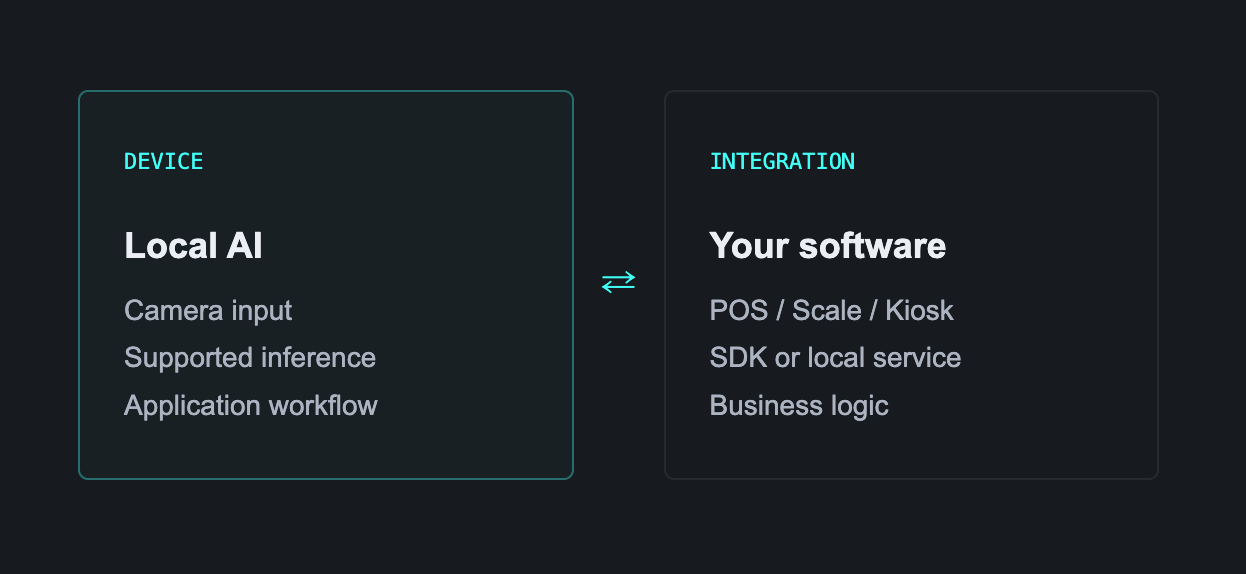
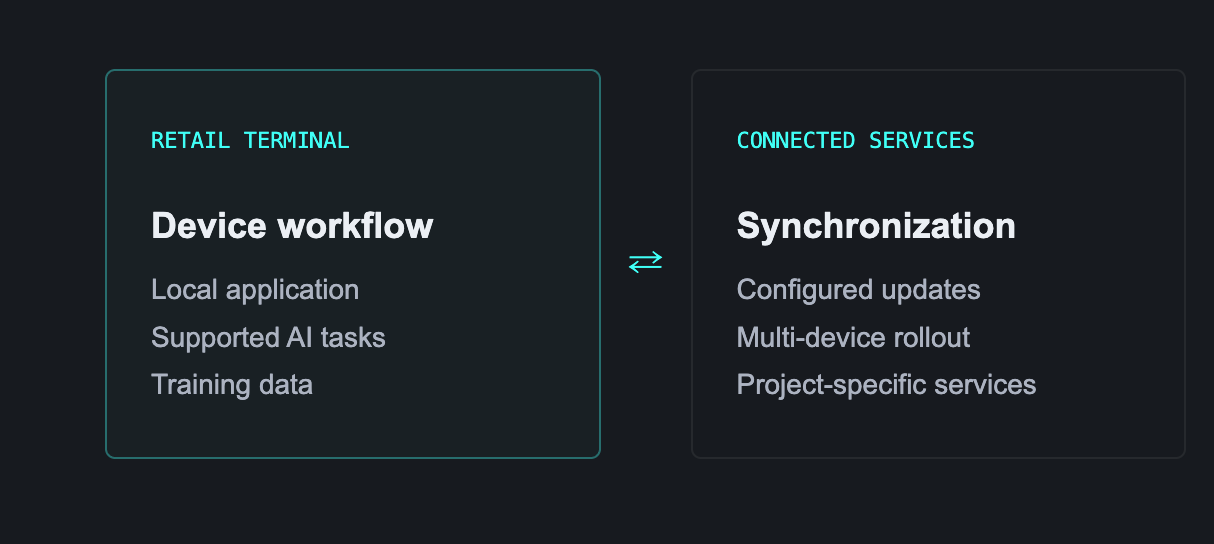
Keep supported AI tasks close to the device.
iScale supports offline product recognition and on-device new item training. Integration options include Windows, Android and Linux SDKs.
Platform support and offline capabilities vary by solution. Confirm your target hardware and software environment during evaluation.
Connect updates to your rollout.
iScale supports training-data synchronization across terminals and store locations.
For digital human projects, confirm which interaction components run locally and which require a network connection.
05 / TECHNOLOGY MEETS APPLICATION
One technology story.
Real retail applications.
Explore the solution that matches your device and business workflow.
iScale
AI product recognition for retail scales and fresh-food weighing.
iDetector
AI loss prevention for self-checkout and POS environments.
iCanteen
AI food recognition for cafeteria and bakery checkout.
iHuman
Digital human interaction for kiosks and self-service terminals.
06 / START WITH A PRACTICAL EVALUATION
From technical fit
to integration.
01 / DEFINE
Share your environment
Identify the application, operating system, device specifications and workflow you want to improve.
02 / INTEGRATE
Review the interface
Discuss the relevant SDK or local service, data flow and customization scope for your solution.
03 / VALIDATE
Test in your conditions
Evaluate recognition or interaction quality, response time and business flow on representative hardware.
— INTEGRATION QUESTIONS
Before you get started.
A few practical points to guide your technical evaluation.
— BUILD YOUR NEXT AI-ENABLED SOLUTION
Let’s talk about
your integration.
Tell us what you are building. Start with the technology and deployment options relevant to your project.