

table of contents
Automated Checkout: Recover $100K/Year, Stop SCO Pullbacks
For retail software and checkout hardware providers, here’s a harsh truth: retailers are avoiding automated checkout not due to poor UX, but because self-checkout systems are losing money from mis-scans, missed items, and barcode switching.
Understanding the Importance of Loss-Prevention in Automated Checkout
Automated checkout has revolutionized the retail experience, but without proper loss-prevention controls, it can lead to significant financial losses. In this section, we’ll explore why loss prevention is crucial in an automated checkout system.
For supermarkets, convenience stores, and grocery retailers, the safest approach is:
- Keep POS as the transaction system of record.
- Keep self-checkout for throughput.
- Add an AI loss-prevention verification layer to stop margin leakage from mis-scans and non-scans.
This is why some retailers are pulling back self-checkout when controls are weak:
- Dollar General has removed self-checkouts from over 12,000 stores as part of its shrink reduction efforts, according to a Payments Dive report (May 31, 2024).
- UK grocer Booths announced it was removing self-checkouts from all but two of its stores, as detailed in a The Guardian article (Nov 10, 2023).
Meanwhile, the underlying risk is not speculative:
The NRF’s National Retail Security Survey 2023 reports a shrink rate of 1.6% in FY 2022, totaling $112.1B in losses.
ECR Retail Loss highlights that self-checkout systems contribute up to 23% of unknown losses, and 66% of retailers report that these losses are becoming an increasing problem.
To ensure its success, automated checkout must be paired with effective loss-prevention controls. Without these safeguards, retailers may find themselves scaling back or removing self-checkout systems altogether.
Why Retailers Say “Self-Checkout Is Losing Money”
While automated checkout promises efficiency, it also introduces new challenges. Let’s now look at why many retailers are pulling back from self-checkout due to losses and how these issues can be addressed. When retailers say SCO is losing money, they are usually describing a gap between the following:
- What the customer intends to buy, and
- What actually gets paid for at the lane.
ECR Retail Loss highlights common issues such as non-scanning, mis-scanning, and barcode switching, as detailed in the ECR Retail Loss study. In grocery and convenience stores, these problems typically arise during peak hours, in high-velocity baskets, and in poorly supervised lanes.
The result is a predictable executive reaction: add staff (cost), add friction (conversion risk), or reduce SCO (throughput loss). For solution providers, that means automated checkout deals stall unless you can answer the following: “How do we keep the speed but control the loss?”
What Automated Checkout Needs in Supermarkets and Convenience Stores
In supermarkets and convenience stores, automated checkout works best when implemented as a layered system:
- POS and item master data stay the source of truth.
- Self-checkout stays the customer workflow for throughput.
- Loss prevention becomes the control plane for exceptions and risk.
If your automated checkout message is only “faster checkout,” you will be compared to the option of removing SCO. A loss-prevention layer changes the comparison: it makes automated checkout bankable.
After understanding the challenges automated checkout poses for retailers, let’s look at how iDetector can solve these issues and improve profitability.
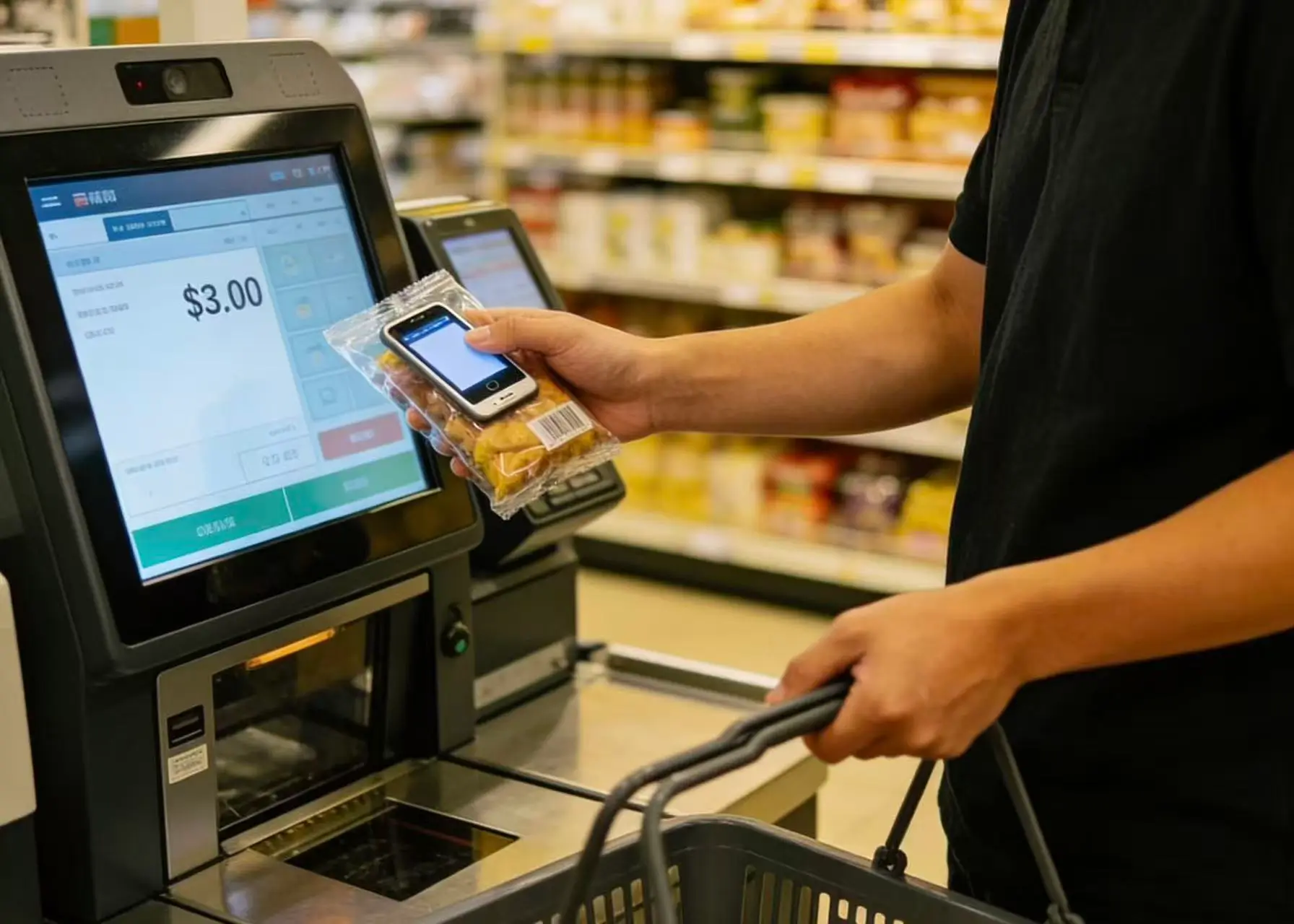
The Role of iDetector in Loss Prevention
iDetector is an AI-driven loss-prevention system for self-checkouts, developed by Winmore Digital to optimize the automated checkout process with real-time verification and margin protection.
The iDetector system features:
- Dual‑camera setup for scanning and loss prevention.
- Real‑time comparison between the scanned barcode and the actual product image.
- Detection of exceptions such as missed scans, incorrect barcodes, and unscanned items.
- Support for voice prompts, video recording, and risk statistics to guide staff and track issues.
- Ability to run independently without POS integration, offering greater flexibility.
- Fast deployment, with setup taking approximately 10 minutes.
Learn more about this solution on the AI Self‑Checkout Loss Prevention Solution page.

What Automated Checkout Really Needs to Succeed in Retail
A recent deployment in Chenzhou, as part of an internal pilot, reported the following results:
- 30 stores
- Approximately 120 loss-prevention interventions per store per day
- Annual recovered “risk amount” of RMB 780,000+ (roughly $100K+ USD/year, depending on exchange rates)
These figures serve as a benchmark and should be validated with your own pilot KPIs.
Why iDetector Fits Retail ISVs and Hardware Providers
If you are a POS/checkout ISV, an SCO hardware OEM, or an integrator, iDetector helps you strengthen your automated checkout offer where buyers feel the most pain:
- You can position automated checkout as throughput + control, not throughput alone.
- You can pilot with measurable KPIs (exceptions, confirmed loss, intervention time).
- You can offer a rollout playbook without forcing a full POS replacement.
Implementation Plan for Successful Deployment
Keep the structure simple so you can scale.
Step 1: Define Your Exception Handling Policy and Store Workflow
- Warning (customer corrects): A simple alert for customers to fix the issue themselves.
- Soft Hold (staff acknowledgment): The staff verifies but does not block the transaction.
- Hard Stop (forced rescan): The system triggers a product rescan for verification.
Step 2: Run a High-Signal Pilot Program
Select 2-5 stores for an initial trial, measuring key performance indicators such as:
- Interventions per 100 transactions
- Confirmed exceptions vs. false positives
- Staff time per intervention
- Estimated loss prevented
- Customer abandonment/queue-time impact
Step 3: Decide on Your Integration Approach
Even without POS integration, partners may request optional data exports for dashboards and reporting.
Key Takeaways
Retailers are not rejecting automated checkout; they are rejecting systems that fail to protect margins.
For automated checkout to succeed, loss prevention must be a key component. iDetector provides a practical solution for adding that critical control layer in grocery, supermarket, and convenience store environments.
Take the Next Step with Winmore Digital
For solution providers, this means automated checkout deals stall unless you can answer the following: “How do we keep the speed but control the loss?”
iDetector provides the solution to this challenge. Contact Winmore Digital today to explore how our AI-powered loss-prevention system can help you improve checkout efficiency while protecting margins