
table of contents
AI Produce Recognition Through Plastic Bags: Challenges and Testing Checklist
Produce recognition through plastic bags is possible in supported configurations when the camera retains enough visible information to distinguish the product. Performance depends on the bag, the produce, the camera view, lighting, and the samples used for learning and testing. Transparent packaging is therefore a test condition, not a guarantee of successful recognition.
For scale manufacturers and POS vendors, the useful question is whether bagged-item recognition produces the correct candidate product and a usable confirmation step on the intended hardware. A recognition result must still map to the right PLU or item record before the POS applies weight and price.
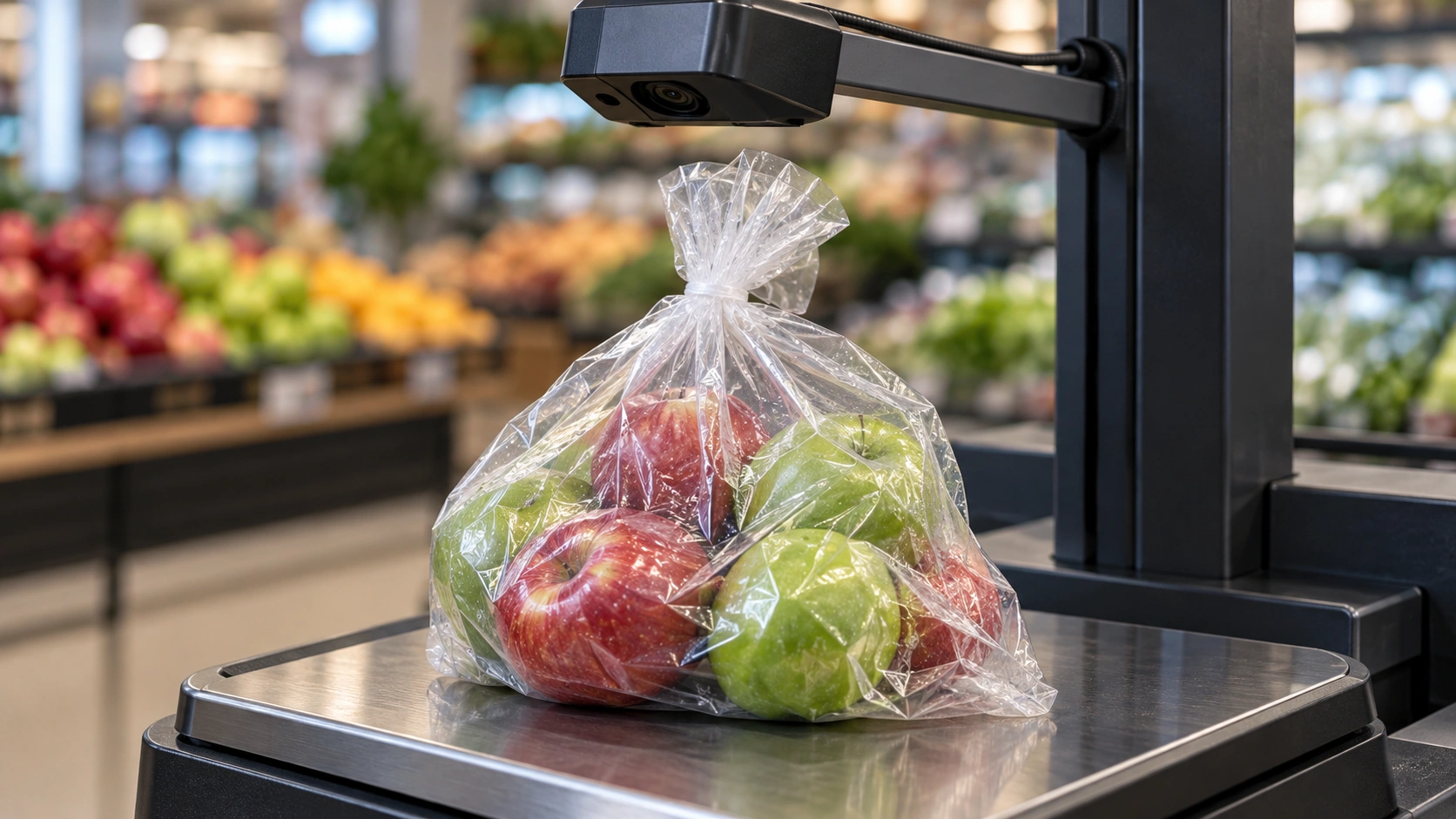
AI-generated conceptual illustration, not an actual customer installation.
What the bag changes in the image
A camera captures the product through the material; it does not see through opaque packaging. Transparent film can still introduce highlights, folds, printed areas, and water droplets. These alter or hide the shape, color, and texture the recognition system uses.
Clear evidence that this is an industry deployment concern appears in Edgify’s product-recognition description, which discusses bagged produce and store conditions such as condensation and changing lighting. That supplier’s claims do not establish the performance of another product or installation.
For iScale, use the retail-scale recognition overview as the product context and verify the supported packaging with the project team.
Build a packaging test matrix
Do not test only the clearest bag at the most favorable camera angle. Use the packaging shoppers actually bring to the weighing point.
| Variable | Conditions to include | What to inspect |
|---|---|---|
| Film | Clear, tinted, printed, and store-approved alternatives | Whether distinguishing features remain visible |
| Surface | Smooth, folded, crumpled, wet | Glare, distortion, and hidden product areas |
| Closure | Loose opening, knot, folded top | Whether the closure covers the item |
| Fill level | Small and large quantities | Changes in shape and visibility |
| Product | Similar colors, varieties, sizes, ripeness | Confusion between sellable items |
| Lighting | Actual fixtures and daylight changes | Highlights, shadows, and camera exposure |
| Placement | Center, edge, rotation | Coverage of the approved weighing region |
Keep opaque bags and heavily obscured products in the exception set. If the necessary visual information is absent, a manual selection or other identifier may be the correct outcome.
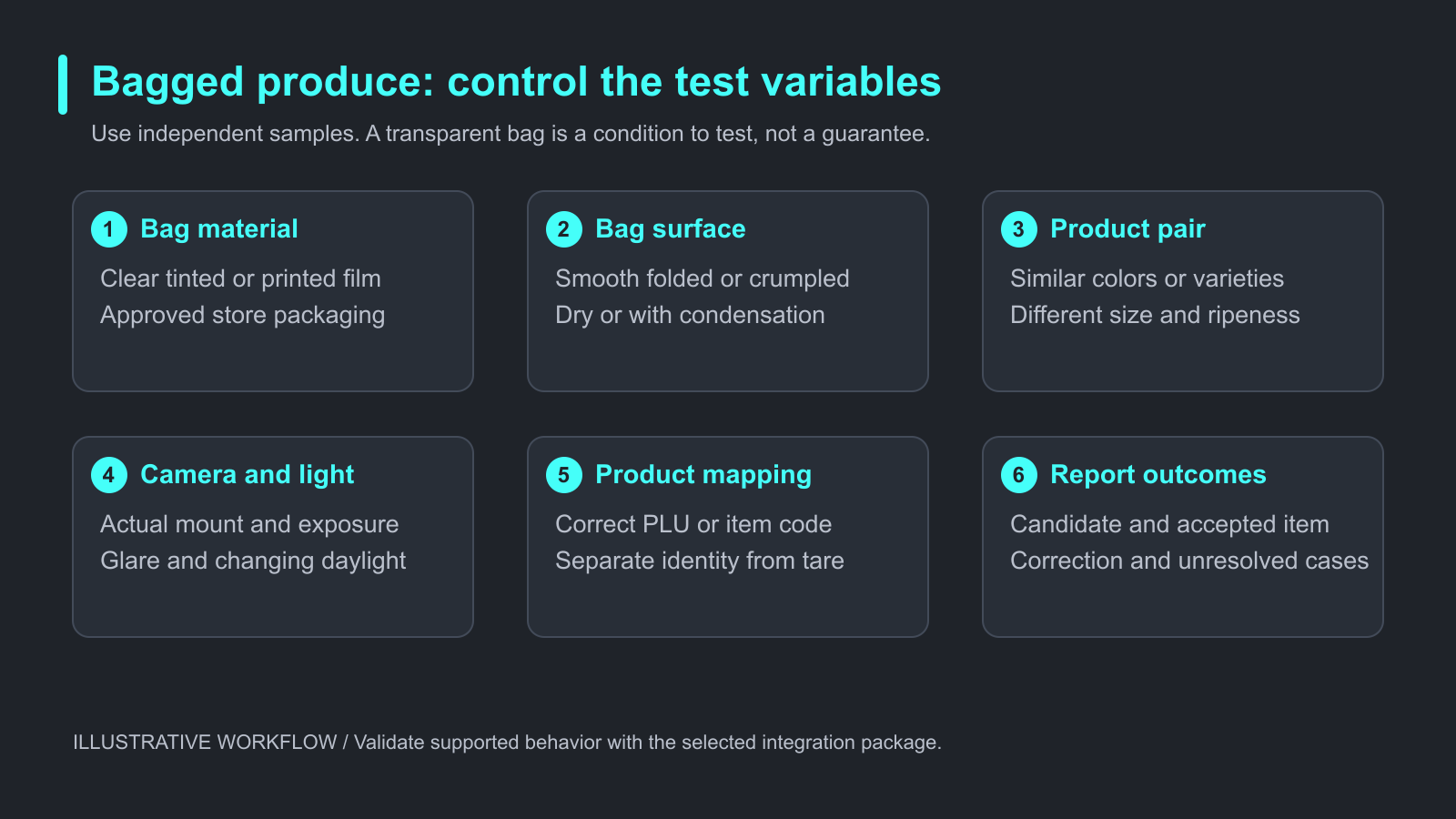
Illustrative test matrix. Validate packaging, lighting, and product mapping in the target checkout setup.
Keep the weighing task distinct from identification
In a common produce-scale workflow, the AI proposes a product identifier, the operator confirms it when required, and the business system applies the relevant weighing and pricing rules.
Packaging recognition does not determine whether the scale’s tare setting is correct. It also does not establish a product’s organic certification, country of origin, or exact variety when those properties cannot be reliably observed.
Define which record the POS expects: a PLU, an internal SKU, or another item code. If two records have similar visual appearances but different prices, preserve an explicit decision step rather than silently choosing the cheaper or more common item.
Separate learning images from evaluation images
Local learning can help the system reflect the products and camera view used in a store. However, repeatedly recognizing an enrollment image is not a sufficient evaluation.
Create learning samples using the supported procedure. Then test new captures with different physical items, bag folds, positions, and service periods. Record which catalog and model version produced each evaluated result.
If you tune the system after seeing a difficult sample, use fresh samples to evaluate the change. Keep a separate record of previously difficult cases to check for regressions. This prevents a pilot from becoming a demonstration of examples already used for adjustment.
A practical bagged-produce test exercise
This is a proposed procedure, not a report of measured iScale results.
Select ordinary products and difficult pairs from the intended catalog. Establish the correct item record for each sample before recognition. Test the same product loose and in each supported bag condition to isolate the effect of packaging.
Capture the image, candidate list, accepted item code, correction, and relevant timing where permitted. Preserve a camera-position photograph and exposure settings so later changes can be compared meaningfully.
Report at least:
- Correct first-choice product rate, with the test sample count.
- Correct product appearing within the displayed candidate list.
- Manual selection or confirmation frequency.
- Unresolved or unsupported sample rate.
- Time to an accepted product, including corrections.
- Mapping errors between the accepted result and the POS record.
Break results down by bag type and product group. A combined average can hide a severe problem affecting one common packaging condition.
Troubleshoot before changing the model
First inspect whether the camera can see the product and whether lighting creates a broad reflection. Check focus, exposure, recognition-region alignment, and the effect of mounting height.
Next inspect the catalog and learning data. Duplicate item records, incorrect image associations, or outdated products can produce wrong POS outcomes even when the image is usable.
Finally, review the confirmation interface. A correct candidate is less useful if the operator must search through an unclear list or if the system overwrites a manual selection. A bounded candidate list and a predictable fallback can be more practical than forcing an uncertain automatic choice.
For the broader learning loop, review our guide to product recognition feedback and synchronization. For the business-data boundary, see PLU and SKU mapping for product recognition.
Frequently asked questions
Can AI identify produce in every plastic bag?
No. Opaque material, extensive printing, condensation, and occlusion can remove the necessary visual evidence. Define supported packaging through testing.
Should shoppers remove the bag?
Only use a handling process approved for that retailer and setup. Repositioning or manual selection may be preferable; do not make bag removal an assumed requirement.
Can a camera distinguish organic from conventional produce?
Not reliably from appearance alone when the products are visually indistinguishable. Use approved product information or a supported confirmation mechanism.
Does bagged recognition change tare handling?
It should not be treated as a substitute for the scale’s weighing and tare rules. Verify identification and weighing as separate parts of the workflow.
Will local training guarantee recognition across all stores?
No. Cameras, bags, lighting, catalogs, and product appearance can differ. Validate transfer and updates at representative locations.
What should a POS vendor send before a compatibility review?
Send hardware and OS details, camera images, representative packaging, difficult product pairs, product-code mapping, and the desired confirmation flow.
Prepare the next integration step
A useful pilot shows which packaging works, which products need confirmation, and how unsupported cases finish checkout. It should also reveal whether the same configuration remains usable during normal store activity.
Review the iScale integration guide for the broader workflow and request the relevant SDK overview to discuss recognition on your scale and POS platform.