
table of contents
What Is a Smart Cafeteria? Use Cases, Benefits, and Key Capabilities
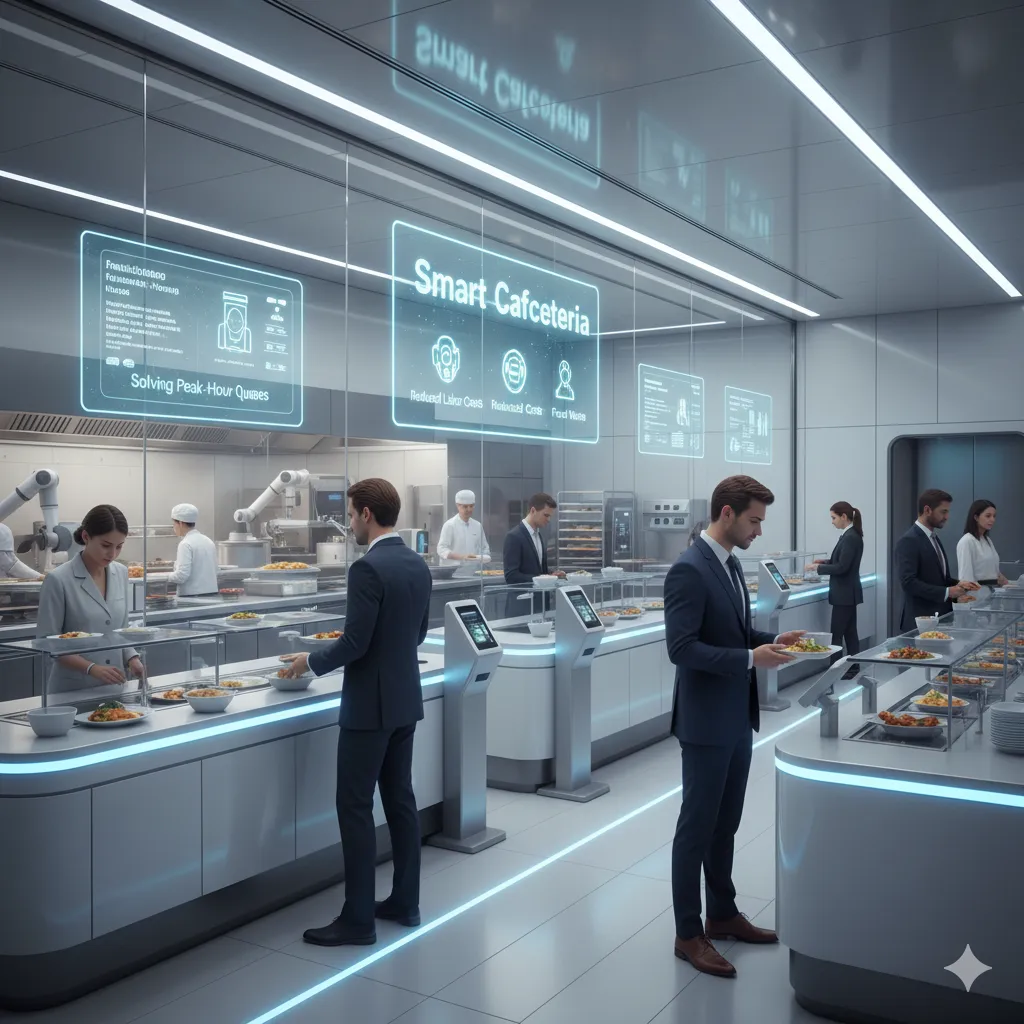
A smart cafeteria is a cafeteria that uses digital systems—often including AI food recognition (computer vision), smart checkout, and operations dashboards—to improve the entire dining workflow: queueing, serving, payment, reconciliation, and continuous optimization. The goal is not “adding gadgets,” but making cafeteria operations measurable, faster, and more reliable.
This guide explains what a smart cafeteria is, what problems it solves, typical use cases, core capability modules, what you need before implementation, and pitfalls to avoid—while showing where our AI Food Recognition solution fits into a smart cafeteria stack.
What problems does a smart cafeteria solve?
1) Long queues and low throughput during peak hours
Peak-time demand makes traditional cashier workflows the bottleneck. Smart cafeterias reduce steps at checkout and increase throughput.
2) High labor cost and inconsistent service quality
Manual billing and manual dish selection introduce delay and errors. Smart workflows reduce repetitive tasks and standardize service.
3) Reconciliation and settlement workload
Cafeterias often struggle with mismatches between served items and charged items—especially with frequently changing menus and many dish variants. Smart cafeterias create structured transaction data for reporting and reconciliation.
4) Food waste without measurement
Waste reduction is hard without visibility. Smart cafeterias enable measurement loops and operational feedback.
5) Limited visibility across sites
For campuses and enterprise groups, centralized reporting and comparable KPIs are necessary for scalable operations.
Typical smart cafeteria use cases
Fast checkout for high-traffic periods
Goal: reduce wait time and increase peak throughput.
Common approaches include self-service checkout, AI-assisted checkout, and streamlined payment flows.
Unmanned or semi-unmanned checkout
Goal: reduce staffing pressure while keeping control.
In practice, it’s often “semi-unmanned”: fewer cashiers, plus exception handling workflows.
Reliable reconciliation and operational reporting
Goal: reduce manual accounting and speed up daily/weekly closing.
Smart cafeterias consolidate transaction logs, dish-level records, and settlement outputs.
Food waste governance
Goal: measure and reduce waste with data.
A practical loop is: capture → measure → analyze → optimize.
Core capability modules in a smart cafeteria system
Think in modules to avoid overbuying and to keep implementation manageable.
1) Smart checkout module
- Self-service terminals (kiosk)
- Flexible payment methods
- Exception workflows (manual verification when needed)
2) AI food recognition module (where our solution fits)
This is a key module in many smart cafeteria projects—especially when you have many dishes, frequent menu updates, or a need to reduce cashier workload.
Our AI Food Recognition solution is designed to help cafeterias:
- Identify dishes automatically at checkout using computer vision
- Reduce manual selection and speed up the checkout step
- Improve billing consistency and reduce disputes
- Create dish-level structured data that helps reconciliation and analytics
Where it is used in the workflow
- Customer places a tray at the checkout point
- Camera captures the tray image
- AI recognizes dishes and outputs a dish list + confidence
- System applies rules (e.g., threshold, exceptions)
- Customer completes payment
- Data flows to dashboards and reconciliation reports
What matters in real deployment (beyond a demo)
- Accuracy measurement method: define how you measure recognition accuracy and exception rate (not only “overall accuracy”)
- Exception handling: low-confidence items must have a fast fallback flow
- Environment readiness: lighting, dish presentation consistency, camera placement, and peak-hour behavior can affect performance
- Menu operations: the best results come when AI + operations work together (dish updates, seasonal menus)
3) Operations dashboard & reporting
- Peak throughput indicators
- Exception rate monitoring
- Reconciliation summaries
- Multi-site comparisons
4) Governance & rules engine
- Handling low-confidence recognition
- Audit logs for disputes
- Policies for special dishes or temporary menu changes
5) Integration layer
Typical integration targets:
- POS / settlement systems
- Campus card / employee card systems
- ERP / finance systems
- Identity & access (where needed)
What you need before implementation
Define success metrics (KPIs) first
Examples:
- Average checkout time / peak throughput
- Exception rate (how often manual intervention is required)
- Reconciliation time saved
- Dispute rate reduction
Confirm workflow ownership
Decide who owns:
- Menu updates / dish management
- Exception handling during the pilot
- Reporting and reconciliation needs
- Onsite support during rollout
Pilot before full rollout
A POC (pilot) validates:
- Recognition performance and exception flow
- Integration feasibility
- Operational fit in real peak-hour conditions
Common pitfalls to avoid
- Buying “smart cafeteria” as a single feature without process and ownership alignment
- Ignoring exceptions (edge cases decide whether the system is usable)
- Over-promising AI performance without a clear measurement and monitoring method
- Delaying integration planning until late (finance/reporting requirements are often deal breakers)
- Skipping training/change management for onsite teams
Practical next step: a quick evaluation checklist
When evaluating a smart cafeteria solution, validate:
- Primary use case priority (queues, staffing, reconciliation, waste)
- Module roadmap (what to deploy now vs later)
- Exception handling design (not only best-case demos)
- Integration requirements and report outputs
- Pilot plan and acceptance criteria
See more details about AI food recognition module
See our AI Food Recognition workflow and exception handling in action
Architecture + modules + implementation path tailored to your site