
table of contents
What Is an AI Retail Loss Prevention Camera?Definition, How It Works, and Where It Fits
TL;DR
An AI retail loss prevention camera is not “a smarter lens.” It’s a camera feed + AI video analytics + store workflow that detects loss-related events and turns raw video into real-time alerts and searchable evidence.
If you want results, choose the architecture that matches where shrink happens:
- Self-checkout (SCO): prioritize real-time intervention
- Cashier lanes with existing CCTV: prioritize upgrading existing cameras into AI monitoring
1) What is an AI retail loss prevention camera?
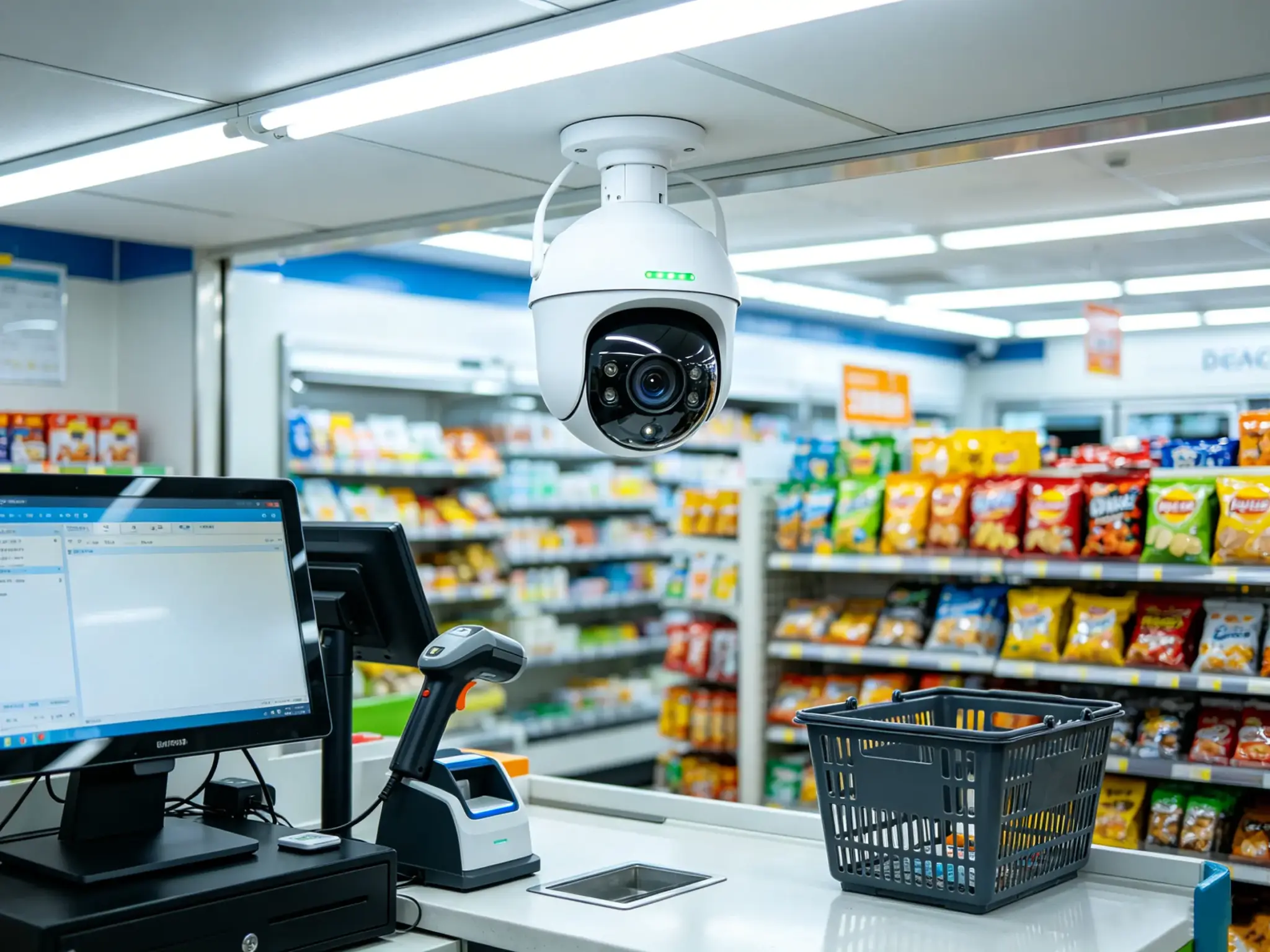
An AI retail loss prevention camera is a loss prevention system that uses computer vision to analyze video from checkout areas (and other risk zones) to detect high-risk behaviors and process violations.
Unlike traditional CCTV, which mainly records footage for later review, an AI LP camera setup focuses on event detection:
- Detect: “something abnormal happened” e.g., an item moved through the scan zone, but no scan was recorded.
- Act: prompt the customer, alert an attendant, or log the incident.
- Prove: store key frames/clips with labels so teams can audit and coach efficiently.
Important clarification: most effective systems are designed to detect events and exceptions, not to “identify people.” This is often better for both operations and privacy.
2) Why retailers care
Retail shrink is a material margin problem. Industry reporting widely cites shrink rates around ~1.68% of sales and roughly ~$112B in annual U.S. losses
(NRF National Retail Security Survey figures as commonly referenced in 2024 summaries). Source: https://www.dohassist.com/resources-glossary-shrinkage
But the bigger issue for operators is practical:
- You can’t watch everything. Humans can’t monitor multiple lanes all day.
- Manual review doesn’t scale. “Find the incident in hours of video” is expensive and slow.
- Shrink isn’t only shoplifting. A lot of loss comes from errors and process exceptions at checkout.
AI changes the unit economics by converting video into an exception pipeline (detect → triage → resolve → measure).
3) What AI can detect in retail
Most AI loss prevention programs start with the use cases that are easiest to operationalize:
- Self-checkout exceptions:
missed scan / non-scan, wrong scan, substitution (“barcode switching”), fake scan motions, multi-item pass-through, occlusion. - Cashier-lane exceptions:
under-ringing patterns, “ring small / bag big” style mismatches, abnormal void/cancel behavior (when correlated with POS signals and policy). - Concealment behaviors:
- item-to-bag events in high-risk zones (store-specific and policy-dependent).
4) How an AI loss prevention camera system works
Most architectures can be explained as a simple pipeline:
- Video input from one or more cameras covering the target zone.
- Zone definition (what part of the image matters: scan area, bagging area, cashier counter, etc.).
- Detection + tracking of items/hands and relevant motions.
- Correlation with business signals (barcode scans, PLU selections, transaction state).
- Event decision (normal vs exception) using thresholds and rules.
- Action & evidence (prompt/alert + labeled snapshots/clips).
- Reporting by store/lane/time and operational closure metrics.
In practice, the system succeeds when the last two steps are strong: what staff does with alerts and how quickly exceptions are closed.
5) Two deployment models you can copy
Model A — Self-checkout: real-time intervention
Best for: stores with high SCO volume and shrink driven by scan exceptions.
Typical flow:
- Customer moves an item through the scan area.
- POS scan event (barcode/PLU) should appear within a time window.
- If movement happens without a corresponding scan (or scan doesn’t match the visual item), the system triggers:
- an on-screen prompt (“please re-scan”),
- an attendant alert,
- and a recorded exception for review.
How our local solution fits (self-checkout module)
From the local materials, our self-checkout solution is positioned as an embedded AI loss prevention module (“iDetector”) that:
- Uses camera video + barcode/PLU/checkout signals to detect missed scan, wrong scan, fake scan, and occlusion-related exceptions.
- Supports integration mode (SDK/service integration) and non-integration mode (faster pilots with lower delivery friction).
- Runs on Windows and Android and can be deployed locally at the checkout environment.
Model B — Cashier lanes: upgrade existing CCTV into AI monitoring
Best for: stores that already have CCTV above cashier counters and want stronger internal control and searchable evidence.
Typical flow (non-disruptive “silent” monitoring):
- Cameras keep recording as usual.
- AI analyzes video in the background (often batch/nearline).
- The system detects predefined risk behaviors and saves:
- key frames,
- short clips,
- labeled incident records.
- Managers review events in a dashboard, generate reports, and coach the right people.
How our local solution fits (CCTV → AI upgrade)
From the local PDF materials, this approach emphasizes:
- Retrofitting: reuse existing cashier-lane camera feeds.
- Centralized compute: aggregate multiple cashier channels under a single compute unit (multi-lane processing) to reduce per-lane hardware cost.
- Evidence chain + reporting: every detected event is labeled and traceable for audit and compliance workflows.
6) What to look for when evaluating vendors
Use these questions to screen solutions before you go deep on demos:
- Does it detect events you can operationalize? (If staff won’t respond, it won’t reduce shrink.)
- Can it work with your current infrastructure? (Existing CCTV vs dedicated SCO camera placement.)
- Is there a pilot-friendly mode? (Fast deployment with minimal POS changes, then deeper integration.)
- What evidence is stored? (Key frames/clips + structured records beat “go find it in video.”)
- How do you reduce false positives? (Zone calibration, thresholds, occlusion handling, store SOPs.)
- What’s the privacy posture? (Event-based detection, local processing options, retention policy controls.)
7) How to measure success
Instead of leading with a single “shrink reduction %,” measure the controllable pipeline metrics:
- Exceptions per 1,000 transactions (by lane/store)
- Prompt-to-rescan completion rate (SCO)
- Confirmed exception rate vs false positives
- Time-to-close per exception (triage speed)
- Investigation time saved (event search vs manual video review)
8) FAQ
Is an AI loss prevention camera the same as CCTV?
No. CCTV records. AI LP systems detect and label events, then route them into store workflows.
Do I need to replace cameras to use AI?
Not always. Many cashier-lane deployments start by upgrading existing CCTV feeds with an AI analytics layer. Self-checkout exceptions often benefit from a more controlled camera angle over the scan/bagging area.
Is this “face recognition”?
Not necessarily. Many effective retail LP systems focus on items/actions and exception events, which is often easier to deploy and govern.
What’s the fastest way to start?
Pilot 2–10 lanes (or a small set of stores) with clear SOPs: who responds to alerts, what counts as “closed,” and which KPIs you’ll track weekly.