table of contents
AI retail scale SDK integration guide
AI retail scale integration is no longer just a hardware project. For scale manufacturers, POS software providers, and retail OEMs, the real challenge is connecting weight, camera, product master data, and cashier workflow into one reliable checkout experience.
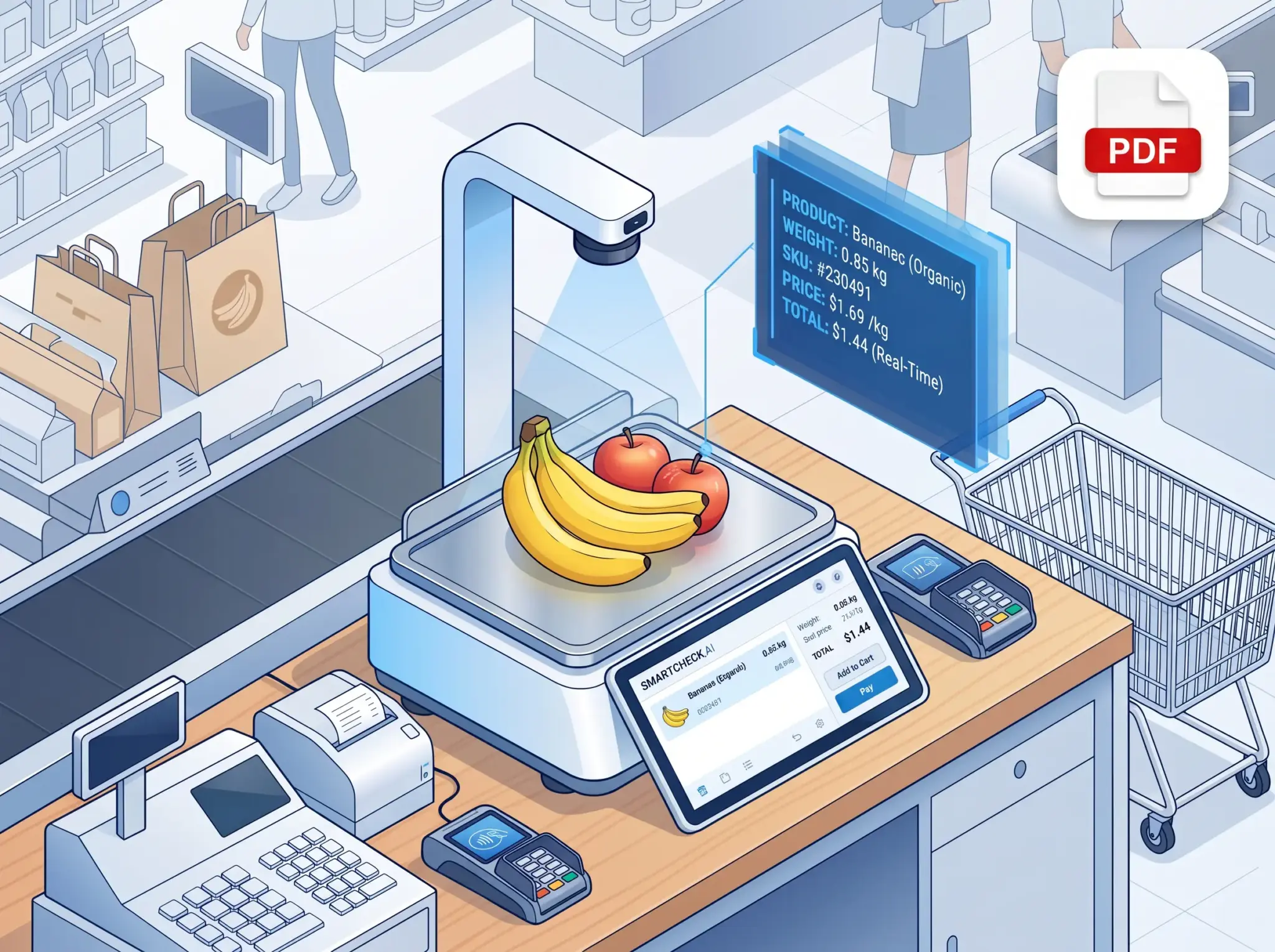
An AI retail scale SDK solves that problem by adding visual product recognition to existing weighing systems. Instead of asking staff to memorize PLU codes or manually search for every fruit, vegetable, grain, seafood item, or bulk snack, the scale can recognize the item on the weighing plate and return the right product code to the POS or label-printing workflow.
This guide explains how to approach an AI retail scale SDK integration, using the same architecture behind iScale, Winmore Digital’s AI recognition solution for retail scales.
What an AI retail scale SDK does
An AI retail scale SDK connects three layers:
- The weighing layer: scale reading, stable weight signal, label scale, checkout scale, or POS-connected scale.
- The vision layer: camera capture, recognition area control, product recognition model, and local AI inference.
- The business layer: PLU, SKU, barcode, price, product name, cashier confirmation, feedback, and synchronization across devices.
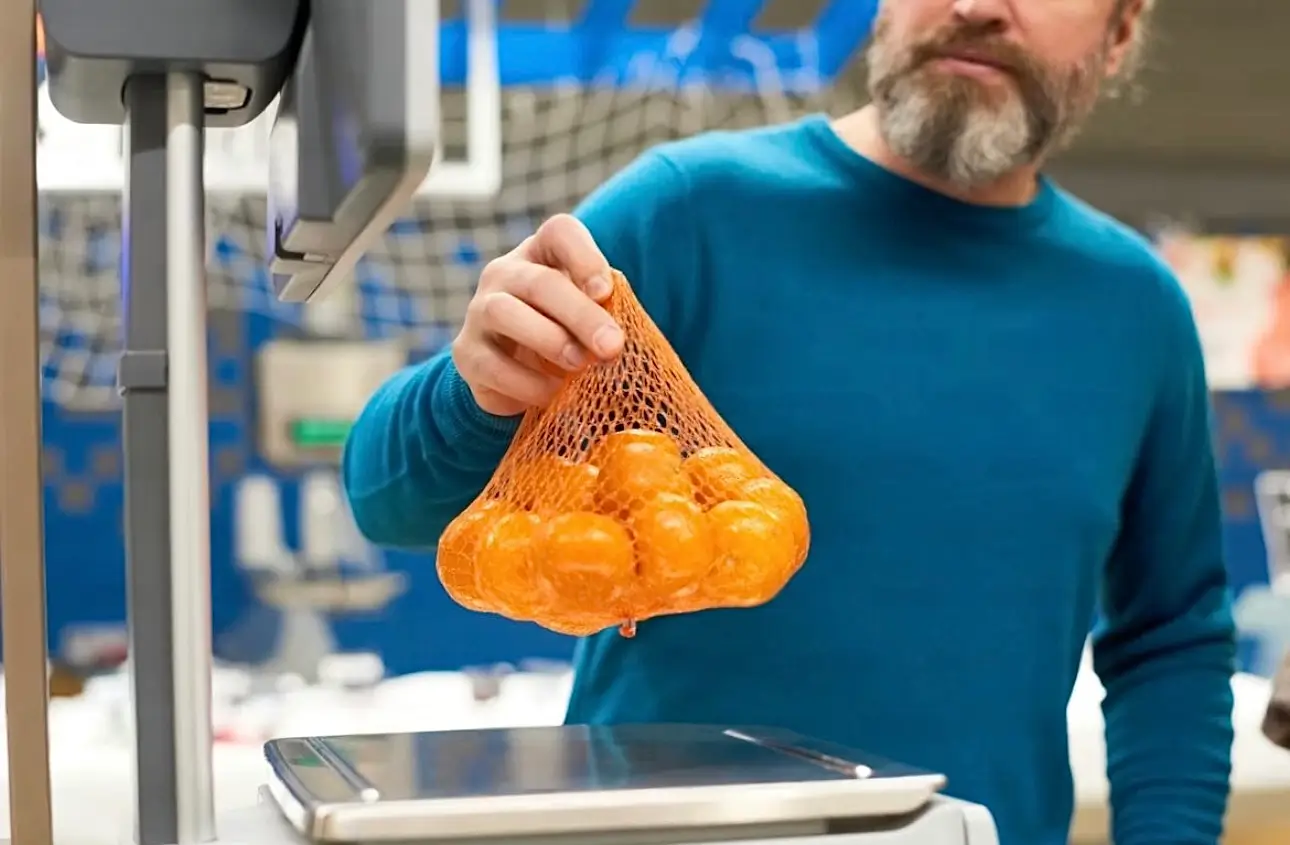
In a traditional retail weighing process, staff place the product on the scale, search by name or enter a PLU code, print a price label, or send the item to the POS. With an AI recognition layer, the workflow becomes simpler:
- The product is placed on the scale.
- The system detects stable weight.
- The SDK captures the product image from the camera.
- The local AI model returns one or more candidate product codes.
- The cashier confirms the result.
- The SDK records feedback so the device becomes smarter over time.
For retailers, this reduces training pressure and checkout delays. For ISVs and device manufacturers, it creates a faster path to an AI-enabled product without building a full computer vision stack from zero.
Recommended integration architecture
A practical AI retail scale architecture should be edge-first. In retail stores, network quality is not always predictable, and weighing workflows cannot wait for a cloud round trip during peak hours.
The recommended architecture includes:
- Local AI runtime: Recognition runs on the scale terminal, POS terminal, or embedded device.
- Camera input: A camera captures the weighing area, usually above or near the scale plate.
- Recognition area setting: The valid scale area is calibrated so surrounding objects, bags, hands, or counter background do not interfere.
- Weight trigger: Recognition is triggered only when the scale reading is stable and above a configured minimum weight.
- Product master mapping: Recognition results map to the retailer’s PLU, SKU, barcode, or item code.
- Feedback loop: Confirmed results are sent back to the SDK for local self-learning.
- Data sync: New product learning data is shared across devices by LAN or cloud synchronization.
This architecture is useful for both label scales and checkout scales. A label scale can recognize an item and print a price label. A checkout scale can recognize, weigh, price, and pass the result directly to the POS flow.
Platform options: Windows, Android, and embedded retail devices
Most retail scale and POS ecosystems are mixed. Some retailers run Windows POS lanes. Some use Android smart scales. OEMs may also need Linux or embedded deployments.
iScale is designed around this reality. Its public solution page positions the product for Windows, Android, and Linux platforms, with hardware targets such as RK3288 or higher on Android and J1900 or higher on Windows. That matters because many retail scale projects must run on standard commercial hardware, not expensive AI workstations.
Windows DLL integration
For Windows POS or scale software, an AI scale SDK is commonly delivered as a DLL. The POS application loads the DLL, initializes the SDK, registers the POS device identity, configures the camera and scale recognition area, then calls a recognition function when weight is stable.
For C# applications, the integration pattern is usually platform invoke. Microsoft documents DllImportAttribute as the way to call functions exported by unmanaged DLLs from managed code. In practice, this allows a Windows POS application to call native SDK functions such as initialization, recognition, feedback, and data synchronization.
Typical Windows flow:
- Copy the SDK DLL files into the application runtime directory.
- Import the required SDK functions in the POS application.
- Call initialization.
- Register or activate the POS terminal.
- Select the camera.
- Save the recognition area.
- Trigger recognition after stable weight.
- Confirm and feed back the final product result.
- Close resources when the POS application exits.
The key design point is not the code itself, but the event timing. Recognition should not run continuously without business logic. It should run when the scale state indicates that an item has arrived and the weight has stabilized.
Android SDK and local service integration
For Android smart scales, a common pattern is SDK plus local recognition service. The retail app binds to the local service, initializes the SDK, activates the device, checks whether the recognition area has been configured, and then calls recognition during the weighing workflow.
Android’s own documentation describes a bound service as a client-server interface where an app component can bind, send requests, and receive responses. This fits an AI recognition service well because the retail app can remain focused on UI and POS workflow, while the local service handles camera, model runtime, and recognition logic.
Typical Android flow:
- Add the SDK package to the Android project.
- Make sure the local recognition service is installed on the device.
- Bind to the recognition service.
- Initialize the SDK.
- Activate or register the POS terminal.
- Open the crop page if the scale plate area is not configured.
- Call recognition when weight changes and stabilizes.
- Return confirmed product feedback.
- Unbind the service when the app is closed.
For Android deployments, hardware and OS consistency matter. Camera permission, service status, Android version, CPU architecture, storage, and memory should all be part of the integration checklist before a pilot begins.
Recognition trigger: why stable weight matters
An AI retail scale SDK should be connected to weight events, not just camera frames.
The most practical trigger is:
- the scale moves from zero to a meaningful weight,
- the weight is stable,
- the product remains in the calibrated recognition area,
- recognition has not already been called for the same weighing session.
This prevents unnecessary CPU usage and avoids repeated recognition calls while the cashier is still placing the item. In iScale-related technical materials, a common threshold is to trigger recognition after the weight changes beyond a configured minimum such as 30 g and becomes stable.
The POS or scale software should treat each weighing action as a session. The SDK returns a session ID with the recognition result, and that session ID should be used when sending feedback after cashier confirmation.
Mapping AI recognition results to PLU, SKU, and product data
AI recognition is useful only when it connects to the retailer’s product master. The SDK may identify “red apple,” “banana,” “bulk candy,” or a product code, but the business system needs the final PLU, SKU, barcode, price, tax rule, label template, and inventory behavior.
Plan the product mapping carefully:
- Use the retailer’s existing PLU or item code as the primary business key.
- Keep product names consistent between POS, scale, and training tools.
- Support aliases for local naming differences.
- Decide how to handle one PLU with multiple visual variations.
- Keep inactive or seasonal products out of the recognition candidate list when possible.
- Align barcode or GTIN strategy if the product is also sold through scanned packaging.
For packaged goods, global standards such as GTIN can help identify trade items across databases. For fresh and bulk products, local PLU and retailer-specific item codes are often more important. The AI scale integration should support both realities.
Feedback and self-learning
The most important step after recognition is feedback.
When the cashier confirms a recommended product, the POS should send the confirmed product code and session ID back to the SDK. If the AI result was correct, the feedback reinforces the match. If the cashier chooses a different product, the correction helps the system learn from the real retail environment.
This matters because fresh retail is messy. Apples may look different by season. Bulk snacks may change packaging. Transparent bags create glare. Lighting varies by store. A good AI retail scale SDK should improve with real use rather than requiring a full cloud retraining project every time a product changes.
The feedback loop should be designed as a normal part of checkout, not as a separate technical task.
Offline recognition and edge deployment
Retail scale recognition must be fast. If every product image needs to be uploaded to the cloud before a result comes back, the checkout experience becomes fragile.
An edge-based AI scale SDK avoids that issue by running inference locally. The benefits are practical:
- Recognition can continue when the store network is unstable.
- Latency stays low during peak checkout periods.
- Sensitive store images and business data can remain local.
- Hardware cost can stay controlled by using standard POS or scale chips.
- New item training can happen in the store.
iScale’s solution positioning emphasizes offline product recognition, local training, and no cloud dependency for the core weighing workflow. Cloud updates can still be useful for pre-trained databases, multi-store synchronization, remote support, and fleet management, but the checkout moment should not depend on the cloud.
Multi-device and multi-store synchronization
One scale learning a product is useful. A whole store learning it automatically is much better.
For stores with multiple scales, synchronization should be planned from the start. A practical system supports:
- LAN synchronization for devices in the same store.
- Cloud synchronization for chain stores and remote updates.
- New product training data sharing.
- Product image or feature data distribution.
- Device roles, such as host, client, or normal peer mode.
- Incremental updates so devices do not need full data reloads every time.
This is especially valuable for supermarkets, fresh food chains, and bulk snack stores. When one device learns a new product or correction, other devices can receive the update without repeating the same training steps.
Handling difficult retail recognition scenarios
Retail product recognition is not the same as generic object detection. A production AI retail scale must handle product-level differences, unstable environments, and operational shortcuts.
Important scenarios include:
- Look-alike produce: Two apple grades, tomato varieties, or similar vegetables may need separate product codes.
- Transparent packaging: The model must identify the item through clear or semi-transparent bags.
- Bulk snacks: Many products have similar shapes, colors, or packaging.
- Fresh item variation: Produce changes by season, supplier, size, and freshness.
- Background noise: Bags, hands, labels, trays, or counter edges may appear near the scale.
- New SKUs: Retailers need quick product onboarding without large image collection projects.
The integration should include recognition area calibration, cashier confirmation UX, candidate ranking, and feedback collection. Accuracy is not only a model metric. It is the result of model quality, camera angle, lighting, product data quality, trigger timing, and cashier workflow.
Integration checklist
Before building the integration, align these decisions:
- Which platform will be used: Windows, Android, Linux, or multiple?
- Will the AI run on the scale, POS terminal, or an external edge box?
- Which camera model and mounting position will be used?
- How will the scale software detect stable weight?
- What is the minimum weight threshold for recognition?
- Which product code is the primary key: PLU, SKU, barcode, or another item code?
- How will the cashier confirm or correct recommendations?
- How will feedback be sent to the SDK?
- How will new product data sync across devices?
- Does the store need offline recognition and offline training?
- What metrics define pilot success: recognition speed, top-1 accuracy, top-3 accuracy, cashier correction rate, queue time, training time, or shrink reduction?
Pilot plan for ISVs and retail OEMs
A good pilot should be narrow enough to control, but realistic enough to prove the business case.
Recommended pilot scope:
- Select one store or lab environment with real scale hardware.
- Choose 50 to 200 representative products across produce, snacks, grains, or the target category.
- Prepare clean product master data.
- Configure camera placement and recognition area.
- Integrate the core recognition flow into the POS or scale app.
- Train staff on confirmation and correction behavior.
- Measure recognition speed, candidate accuracy, correction rate, and checkout time.
- Test offline mode and LAN synchronization.
- Expand to more SKUs and more devices only after the workflow is stable.
The goal is not only to prove that AI can identify products. The goal is to prove that the complete weighing workflow is faster, easier, and reliable enough for real checkout.
Why build with iScale
iScale is built for retail scale manufacturers, weighing software providers, POS vendors, and retailers that want to add AI recognition to fresh and bulk weighing workflows.
Key capabilities include:
- AI recognition for vegetables, fruits, aquatic products, grains, bulk snacks, and barcoded products.
- Windows, Android, and Linux platform support.
- Edge recognition designed for standard retail hardware.
- Local self-learning for new products.
- Offline recognition and training.
- Support for both label scale and checkout scale workflows.
- Multi-device data synchronization through local network and cloud update patterns.
- Pre-trained product databases for faster rollout.
For teams that already have a POS system, retail scale, or OEM device roadmap, iScale can shorten the path from traditional weighing to AI-enabled weighing.
FAQs
Does an AI retail scale SDK work offline?
Yes, if the SDK is designed for edge recognition. In an edge-first setup, the model runs locally on the scale or POS terminal, so recognition can continue even when the store network is unstable.
Can AI scale recognition integrate with existing POS software?
Yes. Windows deployments can use DLL integration, while Android deployments can use an SDK and local recognition service. The POS software should connect recognition results to its existing PLU, SKU, price, and transaction workflow.
How does the system learn new products?
The typical workflow is to place a new item on the scale, capture an image, select or enter the correct product code, and save the association. After that, cashier confirmations and corrections continue improving the local recognition data.
How are multiple scales synchronized?
Multi-device setups can synchronize product learning data through LAN or cloud update workflows. This allows one trained device to share new product data with other scales in the same store or across store locations.
What hardware is required?
Hardware depends on platform and project scope. iScale’s public solution page lists Android hardware such as RK3288 or higher with 2 GB RAM and 16 GB storage, and Windows hardware such as J1900 or higher with 2 GB RAM and 64 GB storage, plus a 720p or higher camera at 30 fps or higher.