table of contents
Digital Human SDK Integration: A Practical Guide for Kiosk Manufacturers
Digital human SDK integration connects a kiosk’s user interface to the components that capture speech, generate an approved response, produce audio, and animate an avatar. For kiosk manufacturers and system integrators, the first deliverable should be a tested interaction flow with clear component boundaries, supported hardware, and a defined response to unavailable services.
An avatar that speaks in a demonstration is only one part of that flow. A deployable kiosk must also handle interruptions, noisy audio, unanswered questions, content updates, session cleanup, and the business systems used to serve customers.
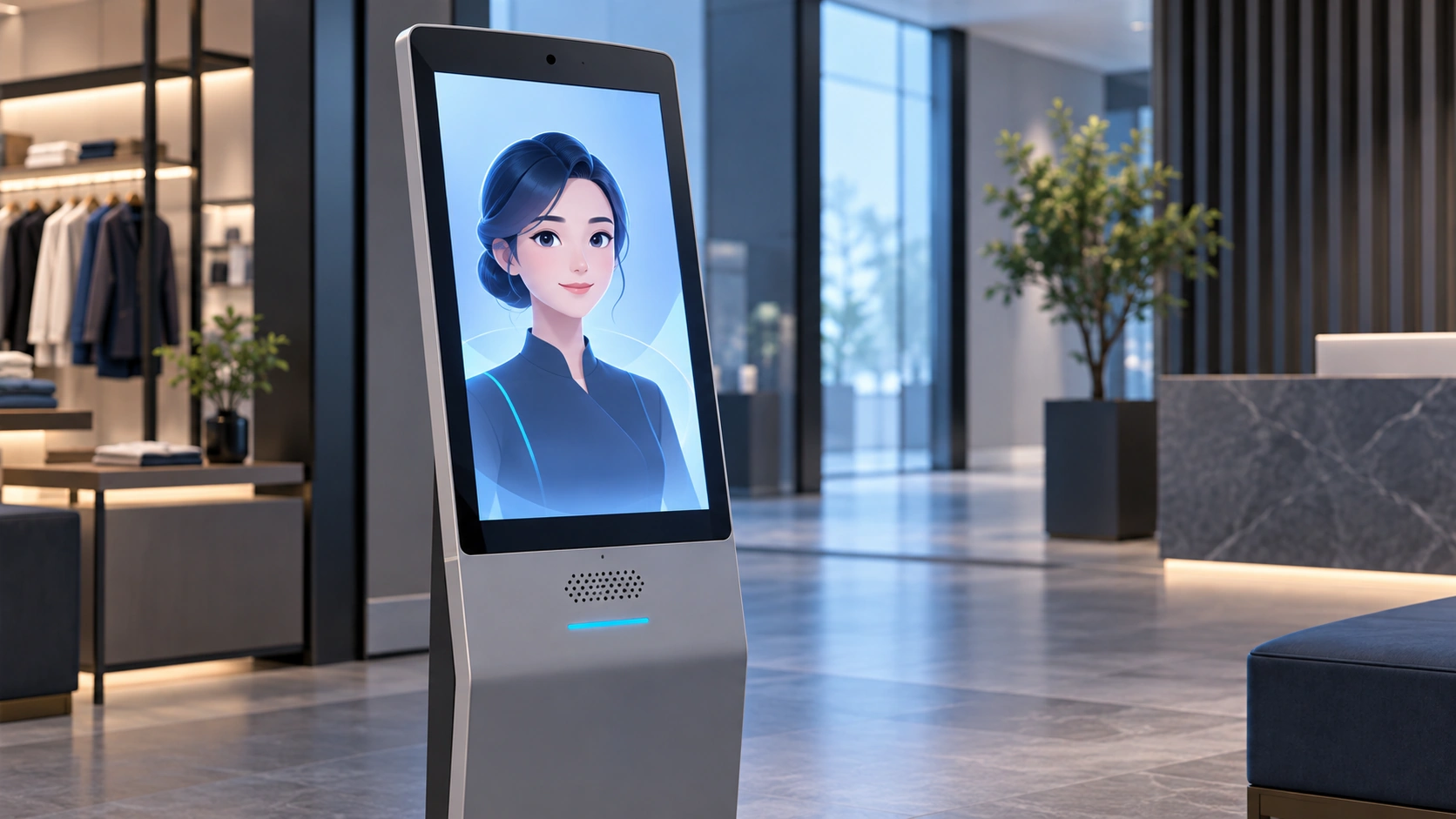
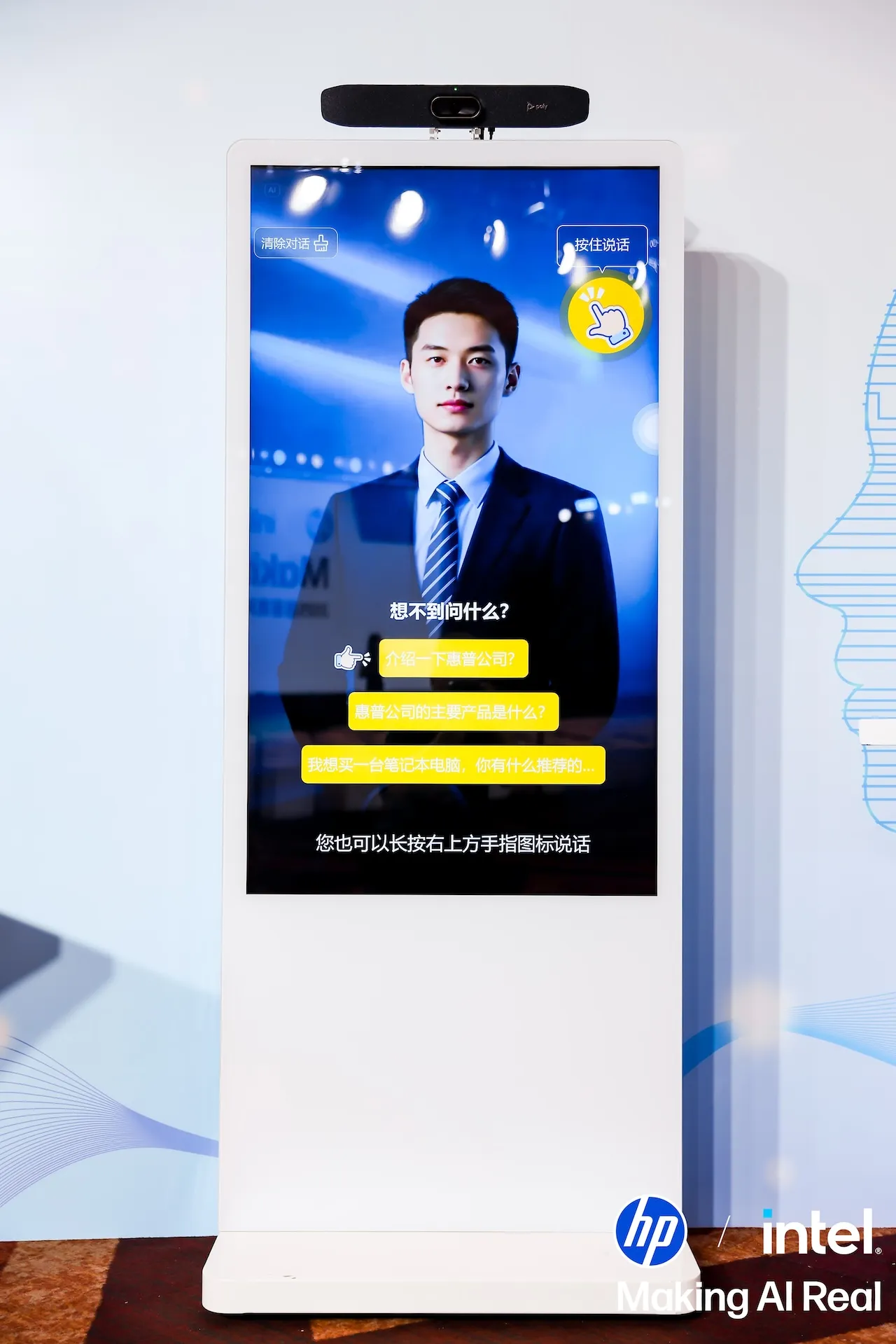
AI-generated conceptual illustration, not an actual customer installation.
Begin with one service task
Choose a bounded task such as answering store questions, explaining products, or providing floor directions. Define success in terms of that task: a visitor receives a correct, usable answer and knows what to do next.
Separate informational tasks from actions. Explaining a loyalty program is different from accessing a membership account. Describing a product is different from confirming live inventory or changing a basket.
For background on the product category, read our guide to AI digital avatars in business.
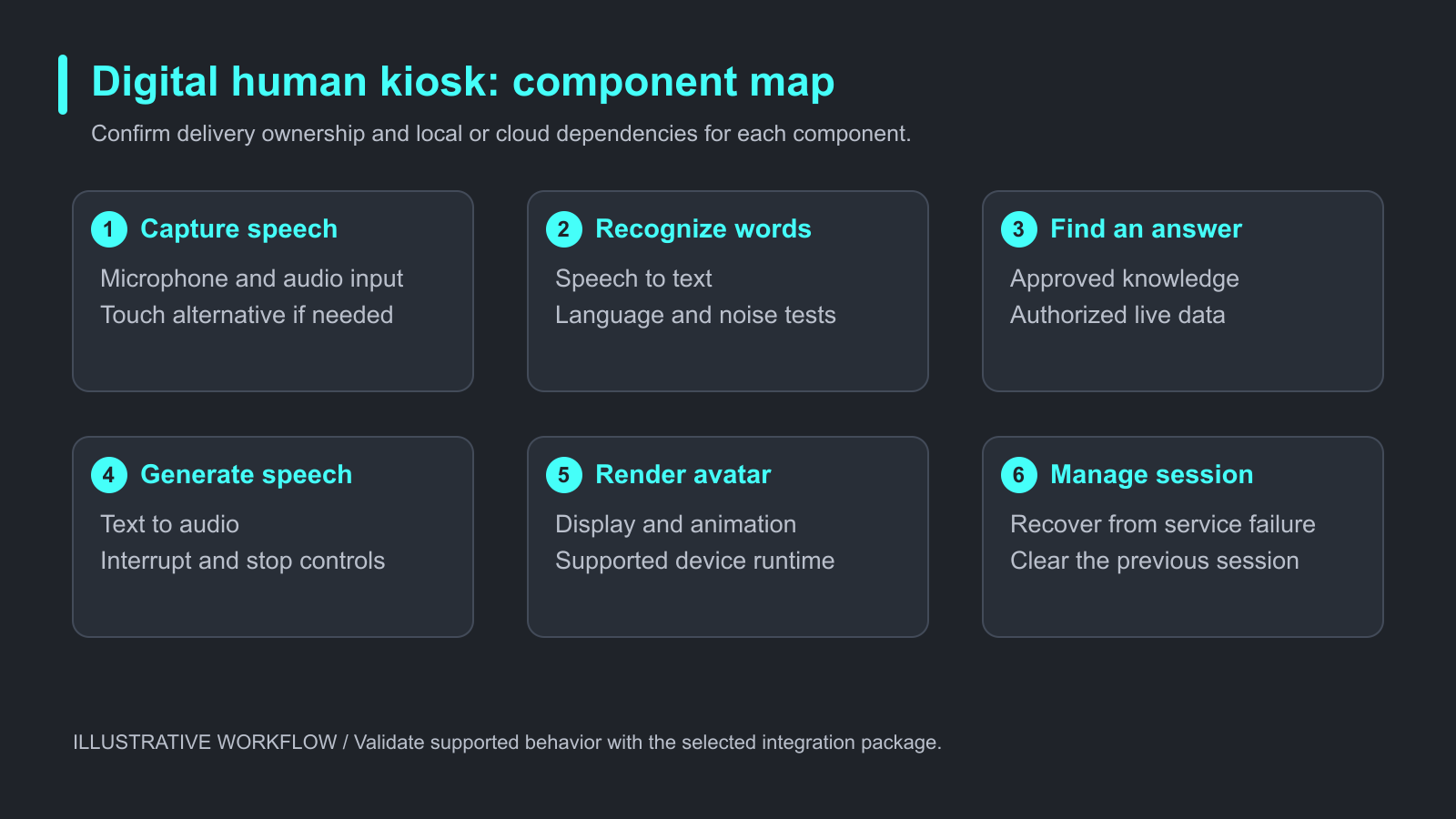
Illustrative workflow. Validate supported behavior with the selected integration package.
Map the full interaction chain
| Component | Responsibility | Question for the supplier |
|---|---|---|
| Microphone and audio capture | Capture usable speech | Which devices, drivers, and input modes are supported? |
| Speech recognition | Turn speech into text | Which languages and deployment modes are available? |
| Dialogue and knowledge | Select or generate a response | How are approved answers and missing information handled? |
| Business connector | Retrieve permitted live information | What authentication, timeout, and error handling are required? |
| Speech synthesis | Produce spoken output | Where does it run, and how is playback interrupted? |
| Avatar rendering | Present speech and animation | What runtime and graphics resources are needed? |
| Kiosk application | Coordinate the session | Who owns state, restart, navigation, and cleanup? |
These are architectural responsibilities, not a published list of iHuman API methods. Request the version-specific integration contract rather than implementing an assumed endpoint or callback name.
Confirm the delivery model before development
Ask whether the supplier delivers an embeddable SDK, a separately running local service, a complete kiosk application, or project-specific integration. These options affect UI ownership, updates, process recovery, and how your application receives events.
The broader market uses different approaches. For example, ZEGOCLOUD’s digital human quick start describes coordination between a communication SDK and a rendering SDK. That is a supplier-specific architecture, not an interface specification for iHuman.
For your selected package, document startup and shutdown, readiness checks, supported operating systems, audio ownership, error reporting, and version compatibility. Confirm whether the kiosk can keep its existing navigation and accessible controls.
Keep approved knowledge separate from live business data
A knowledge base can hold stable information such as opening hours, service instructions, and product explanations. Inventory, account balances, and transaction status may require authenticated business-system queries.
Do not present a cached document as a live stock check. The answer should indicate when live data is unavailable rather than inventing availability from general product knowledge.
Winmore Digital’s iHuman materials describe private knowledge content and project integration with business systems. The scope of a POS, ERP, or CRM connector must be agreed for the project; it should not be assumed to exist as a ready-made connector for every platform.
Define session states and recovery behavior
A proposed state flow is idle, listening, processing, responding, and resetting. Add explicit handling for interruption, service failure, and visitor departure.
If a visitor presses stop, both audio playback and the visible response should behave consistently. If a microphone disconnects, the application should offer a supported alternative, such as touch input or staff assistance. If a remote service times out, the kiosk should end the waiting state with a clear message.
At session end, clear prior conversation details from the public display. Verify cleanup after ordinary completion, abandonment, application restart, and any error path that can expose previous content.
These are recommended acceptance requirements. Their availability and implementation ownership should be established with the supplier.
Test offline behavior by component
“Local rendering” does not establish that speech recognition, language inference, or live business queries also run locally. Create a dependency table for the exact deployment.
For each component, record where it runs, what it needs from the network, whether it can operate from cached content, and what the visitor sees during an outage. Test startup without a network as well as a connection loss during an active conversation.
iHuman reference materials describe local and cloud options, while some operational material describes network-dependent services. Treat offline capability as a configuration to verify, not a promise that every available function works without connectivity.
A practical kiosk integration exercise
This proposed exercise is a test plan, not a measured deployment result.
Prepare approved questions, unanswerable questions, requests for live data, interruptions, and a second visitor arriving after the first leaves. Run the sequence with the production microphone, speaker, display, and intended network configuration.
Record the spoken question, transcript, selected knowledge source, visible answer, and time to first audible response where those records are permitted. Capture a service-dependency diagram and screenshots of listening, error, and reset states. Keep evaluation records free of unnecessary visitor information.
Assess task completion, answer correctness, recovery after service failure, successful interruption, session cleanup, and resource use during an extended run. Hardware approval should be based on the complete workload, not the avatar animation alone.
Frequently asked questions
Does a digital human SDK include a language model?
Not necessarily. Rendering, speech, dialogue, and business connectors may be separate components. Ask what the evaluated package includes.
Can iHuman connect to an existing kiosk application?
iHuman is positioned for self-service kiosk deployment. Confirm the supported delivery model, UI integration, and project requirements with Winmore Digital.
Will it run on any Windows computer?
Do not assume universal compatibility. Confirm the CPU, RAM, graphics, storage, audio devices, and runtime requirements for the selected model and concurrency.
Does offline rendering mean offline conversation?
No. Rendering, speech recognition, dialogue, synthesis, and business queries each have their own dependencies.
Is uploading a product document enough for inventory queries?
No. A static document can explain products, but current inventory requires an appropriate data source and an agreed update or query mechanism.
How should an unknown question be handled?
Define an approved fallback: request clarification, show relevant navigation, or direct the visitor to a person. Test this behavior before deployment.
Prepare a reviewable integration scope
Share your kiosk hardware, operating system, languages, intended service tasks, deployment mode, and business systems. Ask for the interface contract and a pilot that demonstrates the complete session, including failure and recovery.
Use the digital avatar guide to frame the use case, then request an iHuman integration overview for the supported delivery options.