
table of contents
POS Integration Guide for a Product Recognition SDK
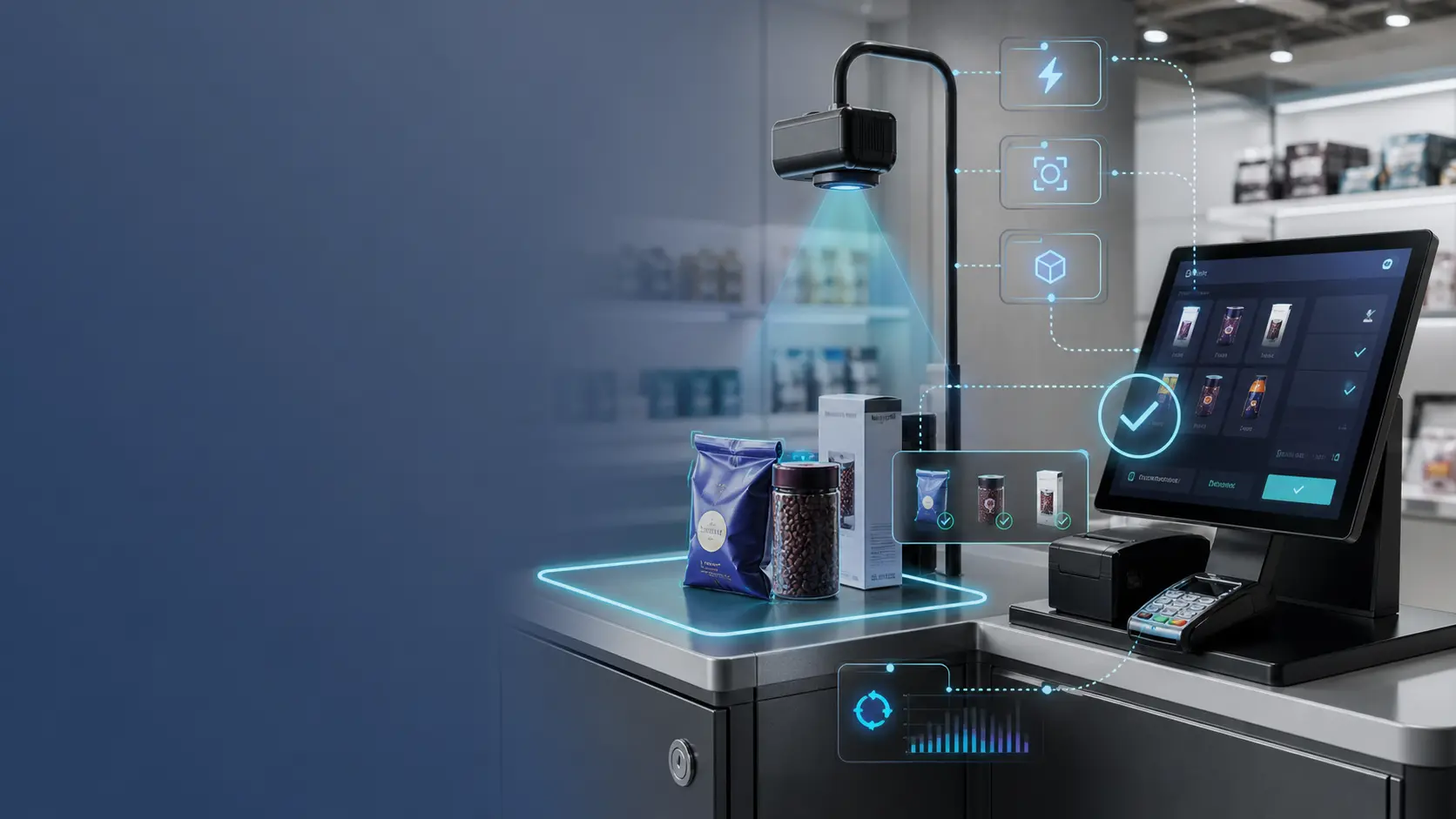
A robust POS integration is built around workflow control, not just an inference call. In production, the hardest problems are usually not model-related. They are about when recognition runs, how a session starts and ends, how the UI handles uncertainty, and how the final result is tied back to pricing and feedback.
That is why a good POS integration product recognition API should be treated as part of a transaction system, not as a standalone computer vision utility.
Step-by-step reference flow
- Detect a recognition-worthy event (e.g., weight changes from 0 → valid)
- Start a session (generate session ID)
- Wait until weight is stable (threshold + time window)
- Capture image frame within calibrated ROI
- Call SDK inference → receive top-N candidates
- Render a fast confirmation UI (one tap)
- Map confirmed result to PLU/SKU rules and complete pricing
- Submit confirmation/correction feedback with the same session ID
- End session and persist minimal logs for debugging
This sequence matters because it prevents the common failure mode of continuous, repeated inference. A checkout lane should not behave like a surveillance stream. It should behave like a controlled transaction workflow with clear boundaries.
Triggering rules
Good rules are simple:
- trigger only when weight is stable
- trigger only once per session (controlled retries allowed)
- ignore frames outside ROI (hands, bags, counter edges)
You can also improve stability with practical gates such as:
- minimum weight threshold before recognition starts
- debounce window after item placement
- retry limits if confidence is low
- timeout rules that return control to manual selection
These rules reduce compute waste and support a predictable user experience during peak traffic.
Suggested session lifecycle
| Session phase | What happens |
|---|---|
| Session created | POS detects a valid event and allocates a session ID |
| Capture ready | Weight, camera, and ROI conditions are validated |
| Inference started | SDK runs once using the current frame set |
| Candidates shown | UI renders top-N options for the operator or shopper |
| Result confirmed | Final item is selected and sent to mapping/pricing logic |
| Feedback submitted | Confirm or correct signal is attached to the session |
| Session closed | Logs and counters are finalized for support and analytics |
This session model is especially useful when checkout hardware is heterogeneous, because it gives engineering teams one consistent abstraction across different devices.
What your SDK should expose
- init / device registration
- camera selection + ROI calibration
- inference call (top-N)
- feedback submission (confirm/correct)
- sync APIs (optional)
- diagnostics and performance counters
Minimal API surface to evaluate
When vendors say they offer a product recognition SDK integration, ask whether the API surface covers the operational reality:
| Capability | Why you need it |
|---|---|
initialize() or device registration | Ensures the runtime, model package, and device identity are ready |
| camera / stream configuration | Lets you bind the correct input source and frame format |
| ROI configuration | Keeps inference focused on the right checkout area |
infer(session_id, frame) | Produces top-N candidates for the active transaction |
submit_feedback(session_id, result) | Connects confirmation or correction back to the same event |
| health / diagnostics endpoint | Supports remote troubleshooting and support workflows |
| sync or update endpoint | Helps distribute approved updates in larger deployments |
Reference architecture patterns
Most POS vendors implement one of these patterns:
Embedded SDK in the POS app
- fewer moving parts
- simpler local deployment on stable hardware
- tighter coupling between UI and inference runtime
This pattern can work well on Windows-based terminals or controlled embedded systems.
Local recognition service beside the POS app
- isolates camera and model lifecycle from the checkout UI
- makes restart and health monitoring easier
- supports multiple local consumers more cleanly
This pattern is common on Android and mixed retail hardware where app lifecycle constraints are stricter.
Hybrid local-plus-cloud architecture
- local inference for checkout speed
- cloud for sync, policy, analytics, or model distribution
This is often the most realistic architecture for multi-store rollouts because it protects checkout performance without giving up fleet management.
ROI and camera handling are part of integration quality
Many false recognitions come from poor framing rather than poor models.
Integration teams should verify:
- ROI covers only the area where the item is expected
- camera mount angle is repeatable across lanes
- lighting exposure is stable enough for peak-hour use
- frame capture timing matches the weight-stable window
If these controls are missing, the SDK may be blamed for noise created by the hardware environment.
Error handling and fallback behavior
No integration is complete without a clear fallback path.
Your checkout flow should define what happens when:
- the camera feed is unavailable
- the inference call exceeds latency budget
- confidence is too low
- the result is not in the active assortment
- feedback submission fails but checkout should continue
Recommended behavior is usually:
- fail gracefully to manual selection
- preserve the session log
- surface an operator-friendly message
- send diagnostics asynchronously where allowed
Implementation checklist before pilot launch
Use this short checklist before shipping to a pilot store:
- trigger rules are calibrated and tested under real item placement
- session IDs are unique and traceable
- ROI is configurable without code changes
- top-N confirmation UI works within latency target
- mapping to PLU/SKU rules is validated end to end
- feedback submission is asynchronous and retry-safe
- logs are searchable by session ID, device ID, and timestamp
FAQ
Why do we need session IDs?
Session IDs prevent duplicate inference calls and allow feedback to be tied to a single real-world transaction.
Should recognition run continuously while the item is on the scale?
Usually no. Event-driven recognition is safer and more efficient. Continuous inference increases compute usage, creates duplicate results, and makes debugging harder.
What should happen if confidence is low?
The best pattern is to show a limited top-N list for quick confirmation or fall back to manual lookup. Low confidence should not force the system into repeated uncontrolled retries.
Is the mapping layer part of the integration scope?
Yes. Even if the SDK vendor does not own your catalog, the integration is incomplete until the confirmed recognition result can be translated into the product, pricing, and tax logic your POS actually uses.