table of contents
- Real-time Tracking: Technology, Metrics, and Retail Use Cases
- 1)What “Real-time Tracking” Actually Means (in plain terms)
- 2) The Pipeline: From Sensor to Decision (a practical blueprint)
- 3) Why Real-time Tracking is hard in stores and cafeterias
- 4) Real-time Tracking in iScale: recognition-weighing for non-standard items
- 5) Real-time Tracking in iDetector: self-checkout loss prevention on video streams
- 6) Real-time Tracking in iCanteen: instant tray recognition and fast menu iteration
- 7) Implementation patterns that make Real-time Tracking deployable
- 8) How to evaluate Real-time Tracking vendors (a checklist)
- 9) Where our products fit (quick map)
- Real-time Tracking: Technology, Metrics, and Retail Use Cases
Real-time Tracking: Technology, Metrics, and Retail Use Cases
Real-time Tracking: What It Is, How It Works, and How We Use It in iScale, iDetector, and iCanteen
TL;DR
Real-time Tracking is the engineering discipline of continuously detecting, identifying, and following “entities” (products, trays, hands, barcodes, events, sessions) as they move through a process—fast enough to influence the outcome while it’s still happening.
In our systems, tracking is not a buzzword. It shows up as:
- Sub‑200 ms inference latency targets in recognition‑weighing deployments
- 0.1 second recognition speed for iScale-style non‑standard item recognition
- Continuous video-stream analytics to detect missed scans / wrong scans and trigger alarms in iDetector
- Instant tray recognition with 99% accuracy and rapid (one-photo) learning loops in iCanteen
This article explains the technology behind Real-time Tracking, the metrics that matter, and the implementation patterns we use across iScale, iDetector, and iCanteen.
1)What “Real-time Tracking” Actually Means (in plain terms)
Most online articles treat real-time tracking as either:
1) a generic “GPS tracking” concept, or
2) a pure computer-vision topic (“object tracking” on video frames).
In retail and food-service operations, real-time tracking is bigger than video:
- Entity: What you track (an item, tray, barcode scan, a hand moving a product, a POS session, or a “risk event”).
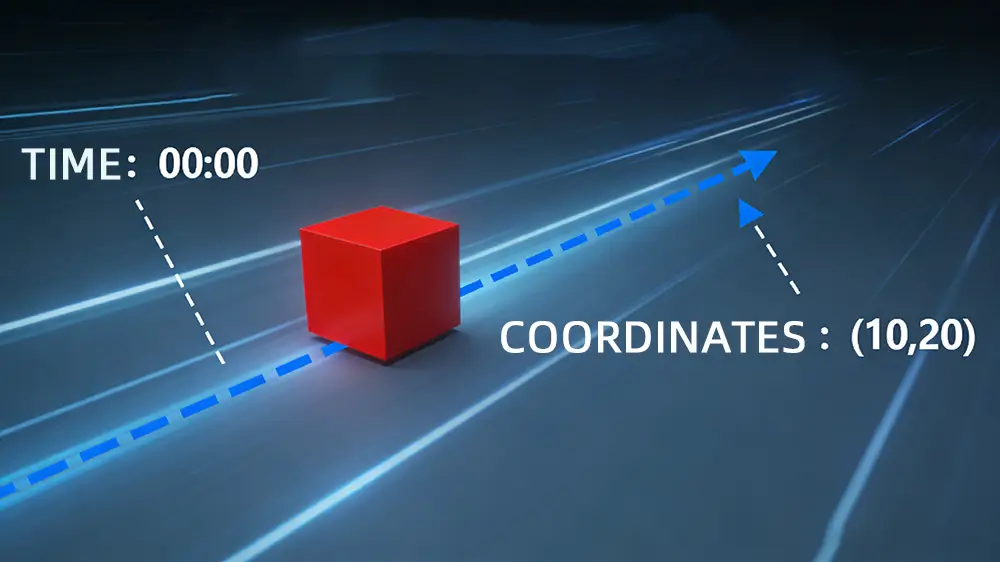
- State: What you know right now (position/region, identity candidates, confidence, timestamps, session ID).
- Trigger: What causes tracking to start/stop (weight delta, motion in a region, barcode input, camera-change events).
- Action: What you do immediately (recommend PLU, generate bill, alert staff, block input, log evidence).
If tracking doesn’t cause a timely action, it’s analytics—not tracking.
2) The Pipeline: From Sensor to Decision (a practical blueprint)
Real-time tracking systems typically follow a loop:
1. Acquire: get sensor signals (RGB/depth video, barcode camera, weight readings).
2. Gate: decide when to run heavy inference (avoid burning CPU/GPU all the time).
3. Detect & Recognize: find entities and assign IDs (classification / matching / barcode verification).
4. Track: maintain continuity across time (sessions, frames, events; avoid duplicate triggers).
5. Decide: apply business rules (e.g., item consistency checks, missed-scan patterns).
6. Act: surface an outcome instantly (UI result, receipt/bill, voice prompt, alarm, evidence clip).
7. Learn: feed outcomes back to improve (confirmed labels, wrong recognition training, local learning).
The 5 metrics that matter
1) Latency (ms): time from trigger → decision
2) Throughput (events/min): peak load stability
3) Accuracy (%): correct entity ID / correct risk classification
4) False alarms (per hour/day): operational trust
5) Cost envelope (CPU %, hardware): real-world deployability
You can’t optimize one metric in isolation; real-time tracking is a balancing problem.
3) Why Real-time Tracking is hard in stores and cafeterias
Operational environments are messier than lab demos:
– Changing lighting and camera angles
– Occlusions (hands, bags, overlapping items)
– “Similar-looking” classes (same weight, different items)
– Human behavior variability (fast scanning, partial scans, intentional/unintentional misses)
– Mixed tech stacks (existing POS systems, multiple device OSes)
That’s why trigger design and feedback loops matter as much as model accuracy.
4) Real-time Tracking in iScale: recognition-weighing for non-standard items
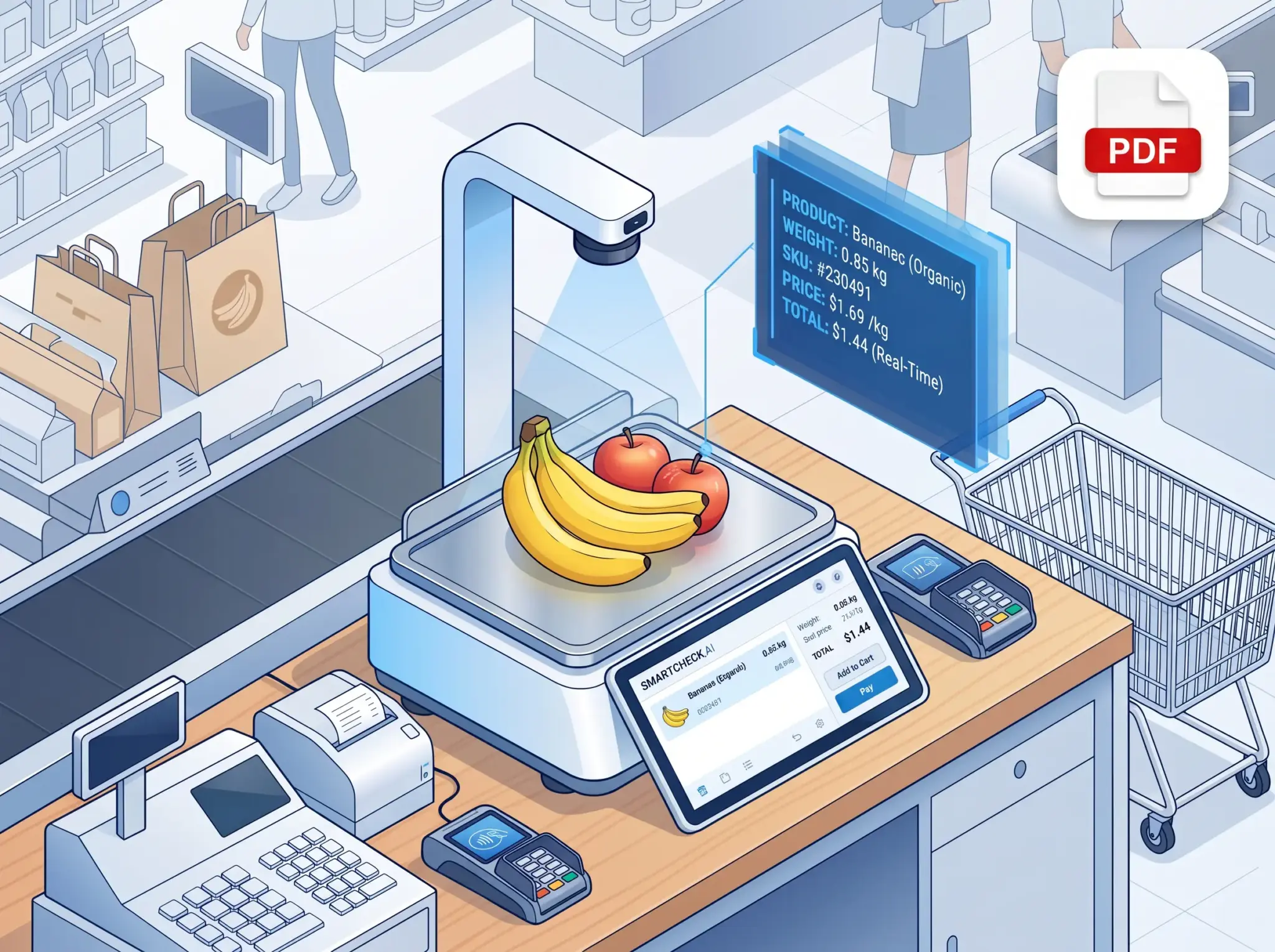
iScale is built for non-standard retail items (e.g., fresh produce) where traditional PLU search is slow and error-prone.
4.1 Tracking starts with the right trigger
In our i-recognition service workflow, recognition is gated to avoid unnecessary compute. One practical trigger is weight-change:
– When scale weight changes beyond a threshold (e.g., > 30 g), call the recognition interface once during the “unstable → stable” window to reduce CPU load while preserving responsiveness.
This is a tracking mindset: it turns raw sensor change into a controlled recognition session.
4.2 Speed and accuracy targets (numbers, not slogans)
From our iScale materials:
– Recognition accuracy: 99% for “correct included in candidate list”; with usage-driven learning, single top recommendation can reach 90%+
– Recognition speed: 0.1 seconds (high-speed inference without requiring high-end chips or cloud compute)
– Scale & data: supports tens of thousands of SKUs, with pretraining references like 200+ fresh and 2000+ common retail items for out-of-box usage
4.3 Real-time outcomes: reduce queueing and operator errors
Real-time tracking is valuable when it changes the checkout outcome immediately:
– Place item → auto-recognize → confirm → print label or proceed to checkout
4.4 Field evidence: measurable improvements in deployment scenarios
Our iScale case material includes measurable improvements such as:
– Recognition latency ≤ 200 ms for recognition-weighing algorithm deployment scenarios
– Accuracy improvement examples (e.g., ~80% → ~95%, +15 points)
– Single operation time reduction examples (e.g., 8 s → 4 s, -50%)
– Rework reduction examples (e.g., ~100/month → 10/month, -90%)
– Satisfaction score example (e.g., 3.5/5 → 4.7/5, +1.2)
These are tracking outcomes: faster, fewer errors, less rework—in the live process.
4.5 Build vs buy (why integration speed matters)
If you’re an ISV or hardware maker, real-time tracking is not just model training—it’s a complete product loop. Our iScale materials explicitly quantify that using an integrated approach can:
– shorten time-to-market by 40–60%
– reduce R&D cost by 30%+
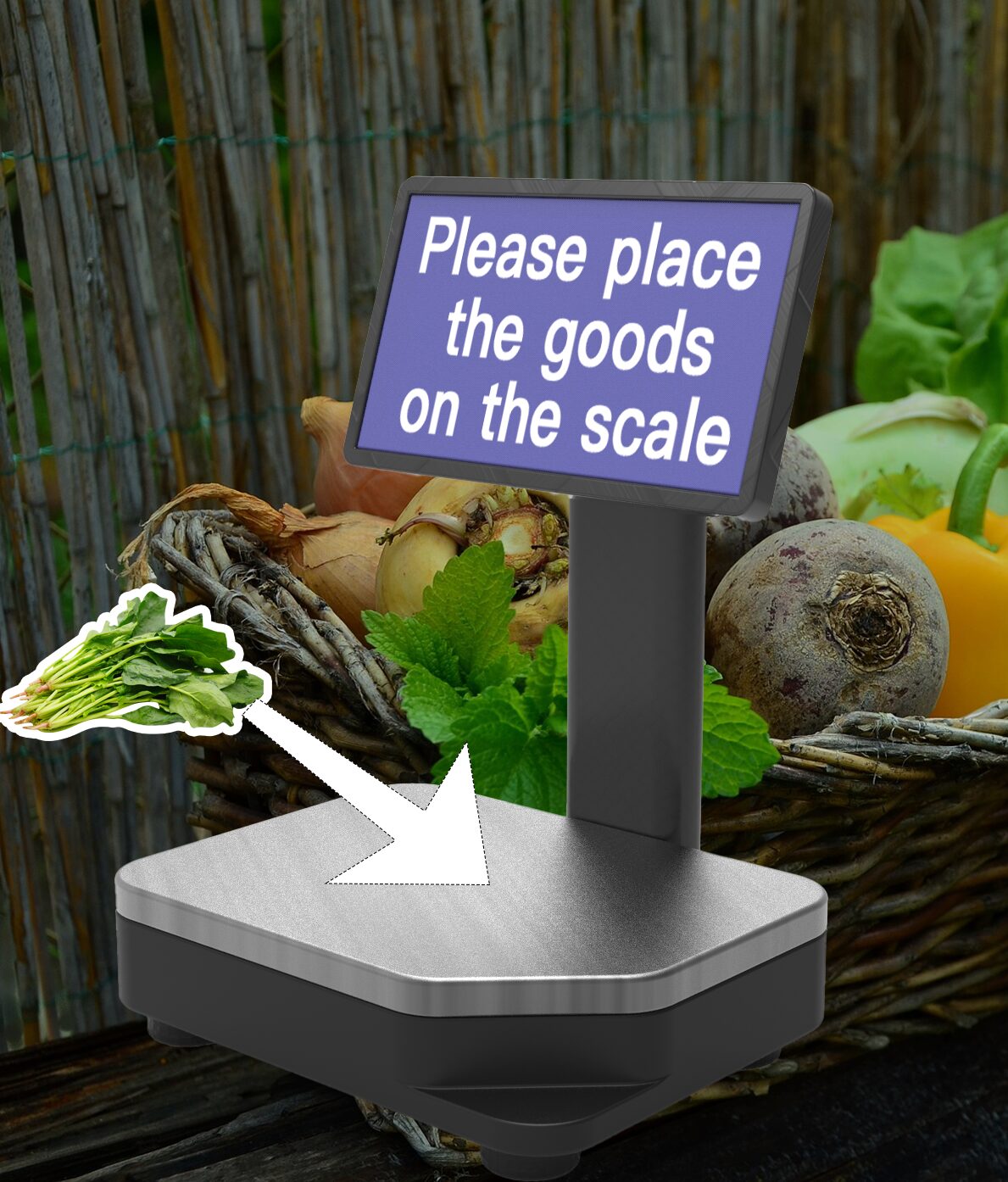
5) Real-time Tracking in iDetector: self-checkout loss prevention on video streams
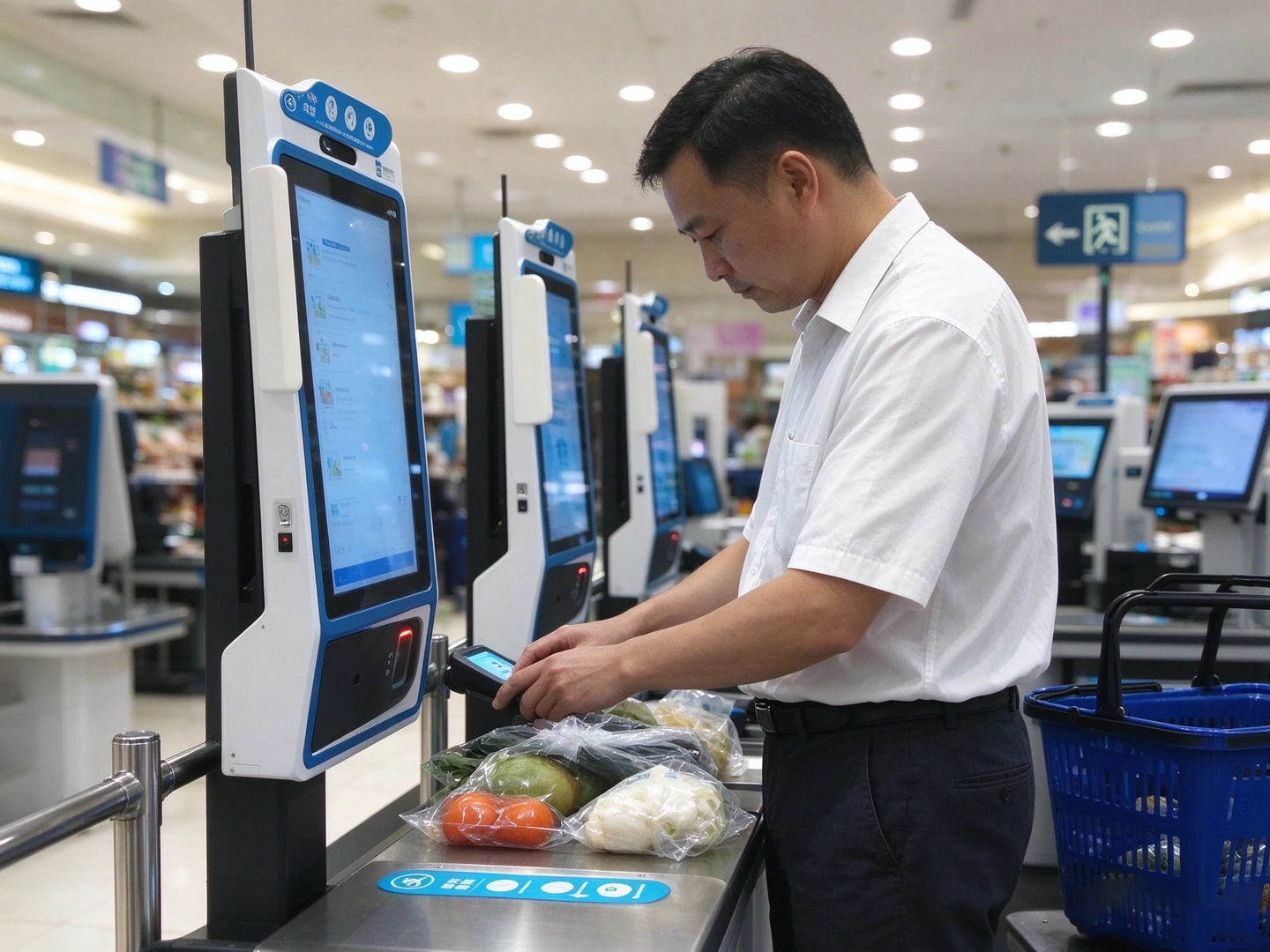
iDetector is designed for self-checkout environments where shrinkage comes from missed scans, wrong scans, and operational blind spots.
5.1 Why tracking is the core (not an add-on)
Self-checkout is a continuous process: customers move items, scan (or don’t), pay, leave. A real-time system must track:
– the presence and motion of items in a detection region
– the scan events or barcode inputs
– the consistency between what the camera sees and what the POS records
5.2 Practical architecture: two-camera structure + real-time consistency checks
Our iDetector solution materials describe a dual-camera approach:
– Loss-prevention camera: analyzes item type and detects anomalies
– Scan camera: verifies the item via barcode
– Consistency judgment: compare barcode vs visual info; trigger alarm when inconsistent
This is real-time tracking because the system:
– watches the full transaction behavior stream
– flags exceptions immediately
– records evidence for later audit
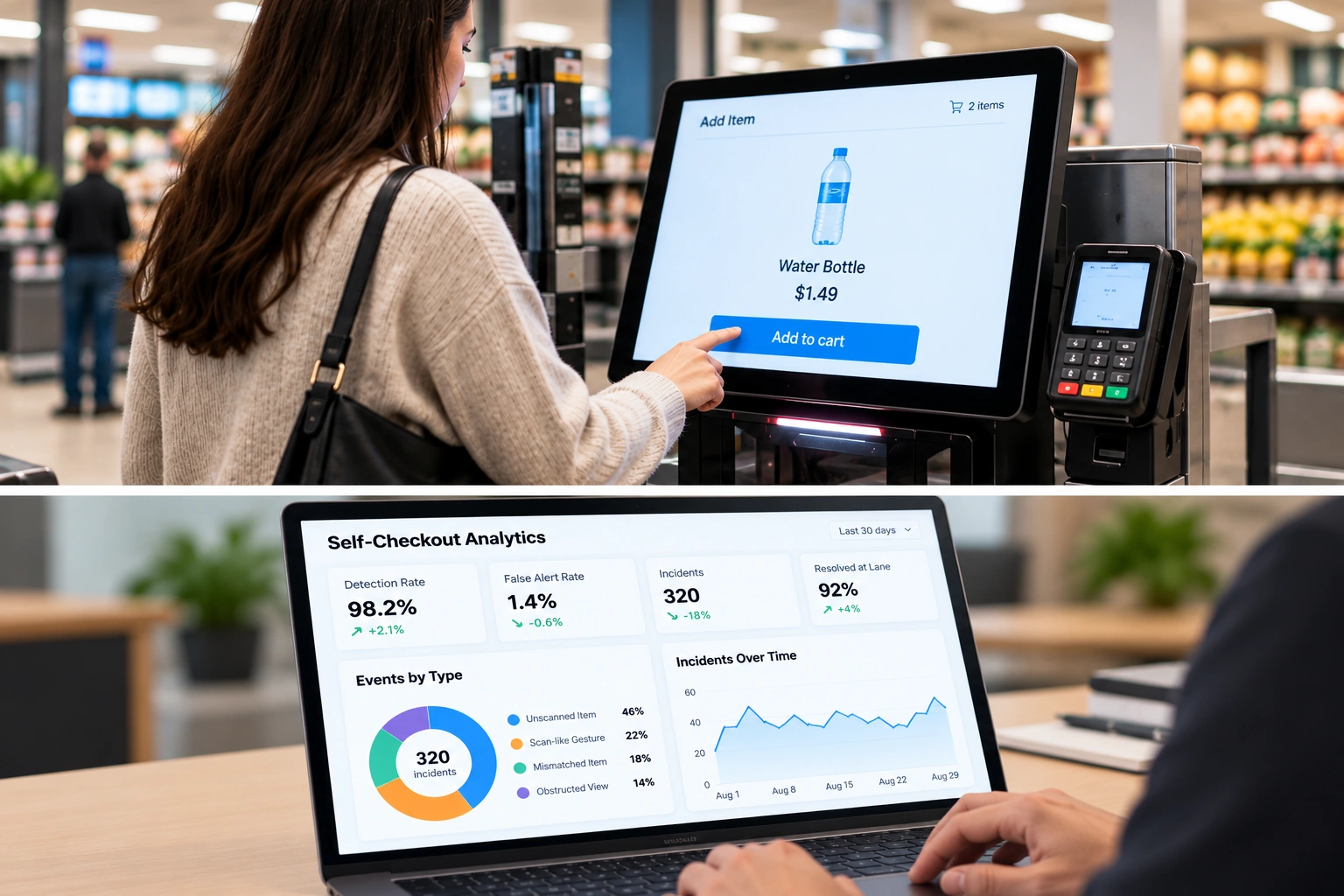
5.3 Data points that matter in operations
From iDetector materials:
– In large malls, self-checkout share can exceed 65%
– 80%+ of theft is described as “unconscious behavior” (e.g., not scanning correctly), where popup reminders/warnings can reduce a large portion of such behavior
– AI loss-prevention recognition accuracy reported as > 90%
– Fast deployment: ~10 minutes for software/hardware installation in typical setups
– CPU envelope reference: ~20% CPU usage
5.4 Case-style operational outcome (example quantification)
An example store case in the materials includes:
– ~120 loss-prevention interventions per store per day
– Assumption-based annual risk amount estimate: average price 20 RMB, leading to ~788,000 RMB/year risk amount (for the case assumptions)
Even when assumptions are used, the key is that tracking produces a measurable, auditable operational signal: “how many exceptions did we catch, and what is the value at risk?”
6) Real-time Tracking in iCanteen: instant tray recognition and fast menu iteration
iCanteen targets canteens, quick-service chains, and bakery scenarios where checkout bottlenecks are painful.
6.1 Tracking goal: stable identification while customers move fast
iCanteen materials describe a straightforward but powerful real-time promise:
– Put the tray into the recognition zone → instant dish recognition → generate the checkout result
6.2 Numbers that support “real-time”
From iCanteen materials:
– Recognition accuracy up to 99%
– Supports complex scenes (lighting, angles, placement)
– New dish learning via a single photo, enabling fast seasonal menu changes without long data-collection cycles
– Low-cost integration into existing cashier/POS flows (external camera + integration)
This combination (high accuracy + instant response + fast learning) is what makes real-time tracking viable in cafeterias.
7) Implementation patterns that make Real-time Tracking deployable
Below are patterns we use across products that are rarely discussed in generic “real-time tracking” content:
7.1 Triggered inference instead of always-on inference
– Weight deltas, camera-change events, and region-stay rules reduce compute while improving reliability.
7.2 “Session ID” thinking for continuity
Even when the sensor is video, a transaction needs continuity:
– create a recognition session
– keep a session identifier
– send feedback after operator confirmation to close the loop
7.3 Operational controls to reduce false alarms
iDetector’s operational manual patterns include:
– missed-scan trigger delay (anti-misfire)
– detection interval (cooldown)
– admin intervention options
– “close detection after payment code” to avoid false triggers
These are tracking “control systems” that keep the AI useful in stores.
7.4 Offline-first / edge-first design choices
Real-time systems can’t wait on networks:
– local inference paths
– local learning / data export-import
– LAN sync options for multi-device operations
8) How to evaluate Real-time Tracking vendors (a checklist)
When comparing solutions, ask for evidence in four layers:
1) Algorithm layer: latency, accuracy, robustness (lighting/angles/occlusion)
2) Systems layer: trigger design, CPU usage, stability, update strategy
3) Workflow layer: how users confirm, how errors are handled, how false alarms are prevented
4) Business layer: measurable outcomes (time saved, shrink reduced, rework reduced, time-to-market)
If the vendor can’t provide numbers and workflow controls, “real-time tracking” is likely just marketing.
9) Where our products fit (quick map)
– iScale: real-time tracking of non-standard items from weight-trigger → recognition → PLU recommendation → confirmation
– iDetector: real-time tracking of transaction behavior on video streams for missed scans / wrong scans with immediate alerting
– iCanteen: real-time tracking of tray composition for instant billing and fast new-dish iteration
If you want a technical deep dive (SDK / API / integration), we can share the relevant interface docs and sample flows.