
table of contents
AI vs RFID Cafeteria Checkout: Cost, Dishware, and Daily Operations Compared
The choice between AI and RFID cafeteria checkout depends on how your cafeteria identifies a chargeable item and maintains that identity during service. AI vision interprets visible food or dishware. RFID reads an identifier from a tag associated with a dish or item. Both still need correct product data, POS rules, and an exception process before they can produce a reliable bill.
For food-service ISVs and system integrators, compare the whole operating workflow: dishware, menu preparation, recognition, correction, payment, and maintenance. Neither technology has a universal cost or accuracy advantage across all cafeterias.
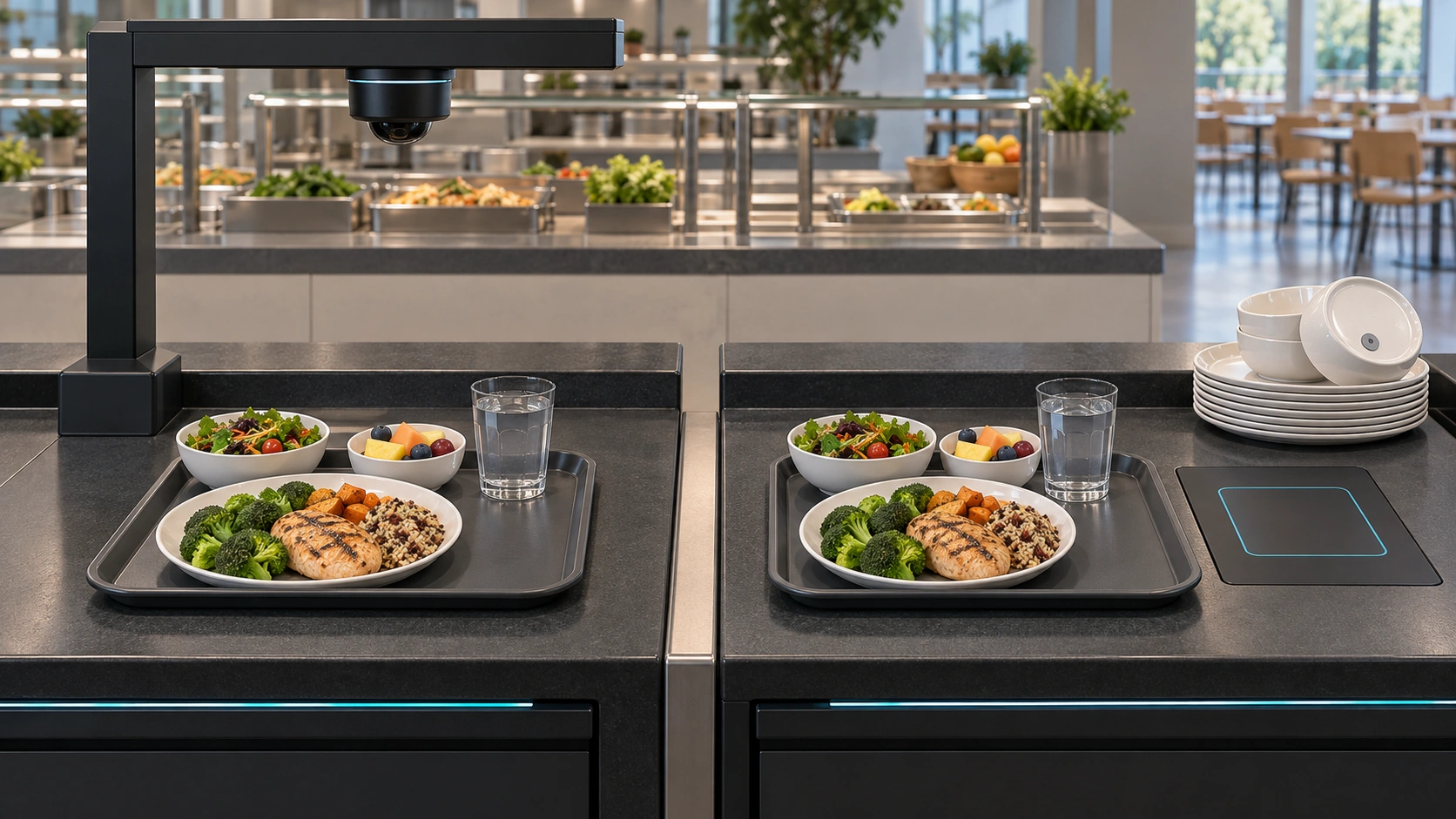
AI-generated conceptual illustration, not an actual customer installation.
What each technology actually identifies
In a tagged-dish RFID setup, the reader captures a dish identifier, and the application resolves it to a configured meal or price category. If the kitchen puts a different meal on that dish without updating the mapping, a technically successful read can still create an incorrect bill.
GS1’s RFID standards overview explains the general principle of capturing identifiers using radio waves. It also distinguishes RFID types; a cafeteria’s tag, reader, dishware, and operating conditions must be evaluated as a specific system rather than inferred from a generic RFID label.
With AI checkout, distinguish food recognition from dishware recognition. A system may classify the visible food, use the plate’s visual properties, or combine configured information. Ask which approach the evaluated version uses, especially when identical bowls hold differently priced dishes.
Compare the daily operating requirements
| Decision | AI vision checkout | RFID checkout |
|---|---|---|
| Identification input | Visible food, packaging, or dishware, depending on configuration | Tag associated with the dish or item |
| Setup work | Catalog mapping, image learning, camera positioning, validation | Tag provisioning, reader setup, dish-to-product mapping, validation |
| Dishware | Existing dishware may be usable after testing | Tagged or otherwise supported items are needed in a tagged-dish design |
| Menu changes | New appearances may require learning and testing | Associations must remain consistent with what is served |
| Typical exceptions | Occlusion, similar appearance, counting errors | Missing or unreadable tags, unintended reads, mapping errors |
| Maintenance | Camera cleanliness, lighting, catalog and model upkeep | Tag and reader checks, replacement dishware, mapping upkeep |
| Payment | Separate POS and payment integration | Separate POS and payment integration |
This table describes evaluation considerations, not a benchmark proving one approach faster or more accurate.
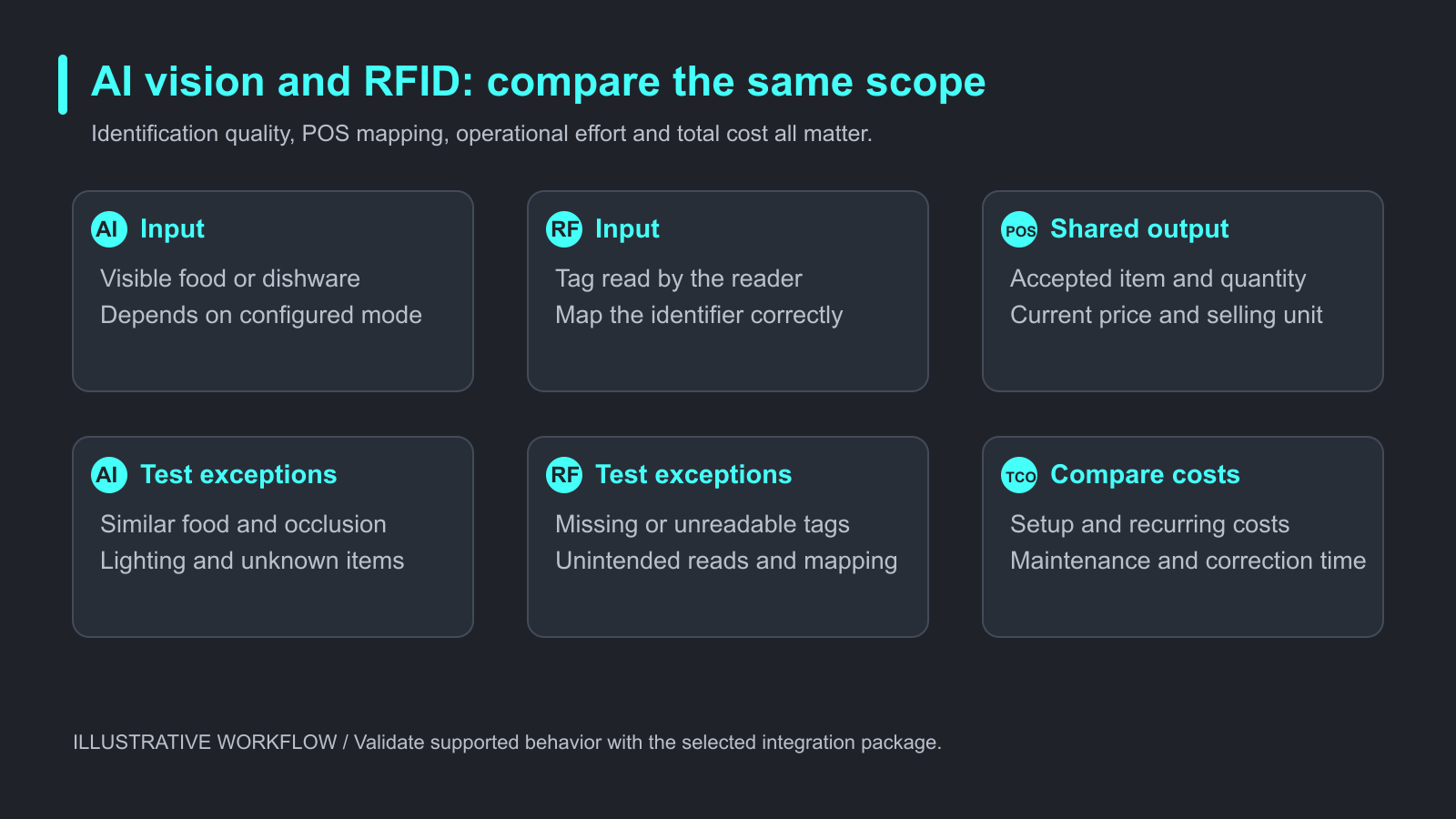
Illustrative comparison. Validate supported behavior with the selected integration package.
When AI vision is a practical candidate
Vision deserves testing where identifying the food itself would reduce manual menu selection or avoid relying entirely on tagged dishware. It can also be relevant when a checkout handles bakery products alongside prepared dishes.
However, the camera needs usable visual evidence. A hidden filling, an ingredient change, or two visually indistinguishable portions can require an additional selection. Overlapping plates and reflective covers may also affect the usable view.
Review the broader smart cafeteria operating model before deciding which checkout tasks should be automated.
When RFID is a practical candidate
RFID deserves testing where a cafeteria can maintain a controlled tagged-dish process and wants identification that does not depend on food appearance. The operating team must keep the served item, tag association, and price category aligned.
Ask the dishware supplier to confirm cleaning, temperature, durability, replacement, and compatibility specifications for the exact products. There is no single temperature limit or service lifetime that applies to all RFID tags and dishes.
Also test the read zone. A nearby tray, returned dish, or extra tagged object should not silently enter the customer’s basket.
Compare total cost using the same scope
Request comparable quotes for the same lane count, operating period, support coverage, and transaction workflow.
Include initial hardware, dishware or tags where applicable, integration, configuration, data preparation, staff training, software fees, maintenance, replacements, and correction time. Existing tagged dishware or existing camera-ready hardware can change the economics substantially.
A useful planning model is:
Total cost over the selected period = setup costs + recurring software and support + replacement costs + operational handling costs.
Treat the model as a budgeting framework. Fill it with supplier quotes and measured operating inputs rather than assumed savings. Avoid comparing an AI software quote against an RFID quote that includes dishware, payment terminals, and installation.
Run a side-by-side meal-service test
The following procedure is a proposed comparison exercise, not customer performance data.
Prepare a reference basket for each tray. Include normal meals, similar-looking dishes, changed menus, repeated items, unavailable products, and the supported packaging. Run each approach under the same service conditions and compare the accepted POS basket with the reference.
| Measure | Why it belongs in the test |
|---|---|
| Correct bill before correction | Shows end-to-end identification and mapping quality |
| Correction frequency | Reveals routine staff involvement |
| Correction duration | Converts errors into operational workload |
| Tray-to-accepted-basket time | Measures recognition and review together |
| Complete checkout time | Includes tender and user interaction |
| Opening and menu-change effort | Reveals work outside the customer transaction |
| Recovery from failure | Shows how service continues when equipment is unavailable |
Retain permitted examples of wrong baskets and their causes. A photo, read log, or screen recording can help distinguish an identification error from a stale product mapping.
Where iCanteen fits in the evaluation
iCanteen provides visual food recognition for cafeteria and bakery checkout projects. Its reference materials describe local learning and Windows and Android delivery options. Evaluate the selected configuration with your own menu, dishware, camera, and POS workflow.
An AI pilot can initially run on a bounded lane or menu segment. Keep the fallback process explicit and decide whether any RFID, barcode, or weighing components remain necessary for the rest of the service.
Frequently asked questions
Is AI cafeteria checkout always cheaper than RFID?
No. Existing equipment, dishware inventory, integration scope, licensing, maintenance, and correction workload determine the comparison.
Does RFID recognize the food itself?
RFID reads tag information. The system must associate that identifier with the correct chargeable product or price category.
Can vision work with ordinary plates?
Possibly, depending on the recognition mode and supported setup. Test actual plates, food presentation, and lighting before approving a configuration.
Does AI require special training for every menu change?
Appearance changes and new items may require learning and validation. A price-only change should normally follow the product catalog rather than require new visual samples.
Can AI and RFID be combined?
They can be considered in a combined workflow, but integration adds ownership questions. Define which input takes precedence and how duplicate identification is prevented.
Which result should decide a pilot?
Use correct bills, correction workload, service time, operational effort, and total cost. Raw identification speed alone is insufficient.
Choose against your actual service process
Start with the identification method your staff can maintain reliably. Then validate exceptions and compare total operating cost using the same assumptions.
For the wider deployment context, consult the smart cafeteria guide and iCanteen overview for POS vendors. To assess a visual checkout pilot, request an SDK overview with your menu, dishware, platform, and lane requirements.