
table of contents
AI Food Recognition vs Barcode Scanning: Choosing a Cafeteria Checkout Workflow
Food recognition vs barcode scanning is not necessarily an either-or choice. Vision is a candidate for meals and bakery items without individual labels; scanning is useful when a readable code identifies a packaged product. A cafeteria POS often needs both inputs, one shared catalog, and a visible review step before payment.
For food-service software vendors, the important question is which input owns each chargeable item. Adding a camera without defining that boundary can produce a faster identification step and a less reliable basket.
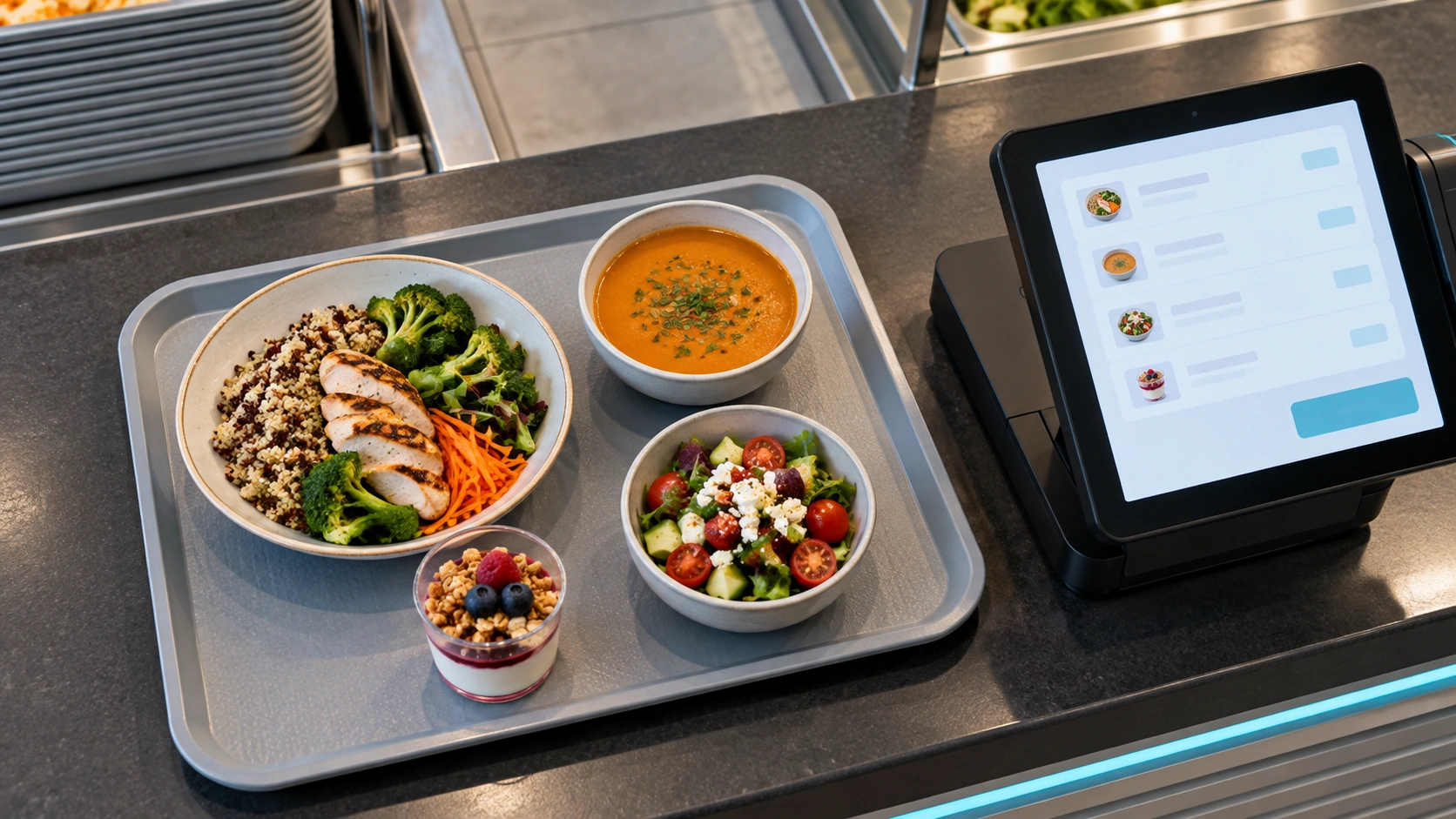
AI-generated conceptual illustration, not an actual customer installation. Scene reused for the related topic.
Match the input to the selling unit
A camera proposes an identity from visible appearance. A scanner reads encoded data that the application resolves to a product. Neither determines the complete transaction by itself. The GS1 barcode overview explains how barcode symbols can carry identifiers such as a GTIN; the POS still needs the corresponding sellable record.
| Checkout item | Candidate input | What the application must verify |
|---|---|---|
| Unlabelled prepared meal | Vision with confirmation | Correct product and portion category |
| Packaged drink | Barcode | Active code-to-product mapping |
| Bakery item in a transparent bag | Tested vision or label | Packaging does not prevent identification |
| Visually identical meal variants | Staff selection or another identifier | Hidden recipe or price differences |
| Meal sold by weight | Identity plus weighing | Selling unit, measured weight, and tare |
Do not infer an allergen, filling, or dietary attribute simply because a meal resembles a known item. Use approved product information and an appropriate confirmation process.
Design one basket for mixed inputs
Imagine a tray with a sandwich and a bottled drink. If vision identifies both while a shopper also scans the bottle, the basket must not charge for two drinks. But suppressing every repeated product code would also be wrong when the customer actually buys two identical bottles.
Define a reconciliation policy around the physical item and transaction session, not just a time window. Options to evaluate include excluding packaged drinks from the vision catalog, asking the shopper to choose the intended input, or reconciling proposed items before acceptance. These are design patterns, not claims that every SDK provides automatic duplicate resolution.
The POS should keep accepted quantities and corrections authoritative. A new camera result should not silently undo a cashier’s decision. For the broader operating context, see the smart cafeteria guide.
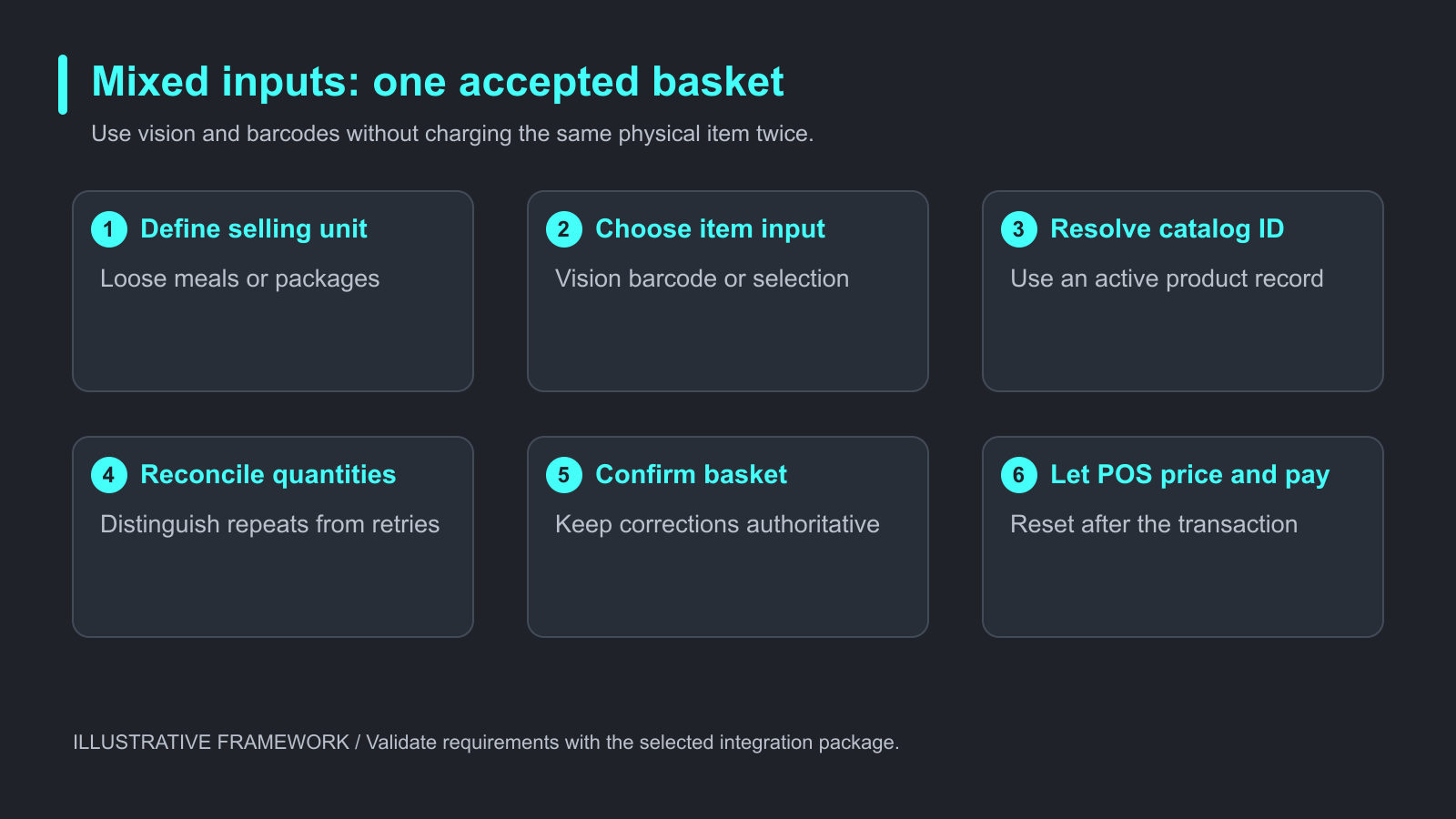
Illustrative evaluation framework. Validate requirements with the selected integration package.
Plan exceptions before enabling unattended use
An unreadable label needs a product lookup or attended path. An uncertain camera result needs a reviewable candidate or manual selection. A service timeout should end with a clear status, not an empty basket that appears approved.
Keep payment separate. Local identification may work while payment authorization or a remote catalog query does not. Test those dependencies individually rather than treating offline recognition as an offline transaction guarantee.
Run a mixed-tray acceptance exercise
The following is a proposed test procedure, not measured customer performance.
- Prepare reference baskets for loose meals, packaged products, and mixed trays.
- Include two identical packaged items and the same item entered through two inputs.
- Capture the proposed basket, the accepted basket, and the final POS bill.
- Repeat after a manual correction, scanner retry, and recognition-service interruption.
- Record wrong identities, missing items, extra quantities, correction time, and unresolved failures.
Keep test samples separate from enrollment samples. With permission, retain input screenshots and transaction event records so a duplicate can be traced to its source. Remove payment and personal information from evidence.
Frequently asked questions
Should a cafeteria remove all barcodes?
No. Keep scanning where it provides a useful, maintained identifier. Vision can address a different part of the basket.
Can vision recognize a packaged drink?
Possibly, in a supported configuration. Test the real packaging and define how a simultaneous barcode entry is reconciled.
Is a repeated product code always a duplicate?
No. Several physical units can legitimately share one product code. Quantity handling must reflect the actual purchase.
What happens to unknown food?
Provide a visible manual or attended path. Do not map an unknown meal to a convenient default price.
Does either input decide the price?
The POS should resolve the accepted identifier and selling unit to the applicable product record and transaction rules.
Can the workflow operate offline?
That depends on recognition, catalog, authorization, and payment dependencies. Validate each function in the intended deployment.
Choose the boundary, then evaluate the software
iCanteen food recognition is intended for cafeteria and bakery checkout integration. Start with a bounded catalog and an explicit mixed-input policy. Review the iCanteen integration overview, then request an SDK overview with your selling units, packaged items, POS platform, and exception workflow.