
table of contents
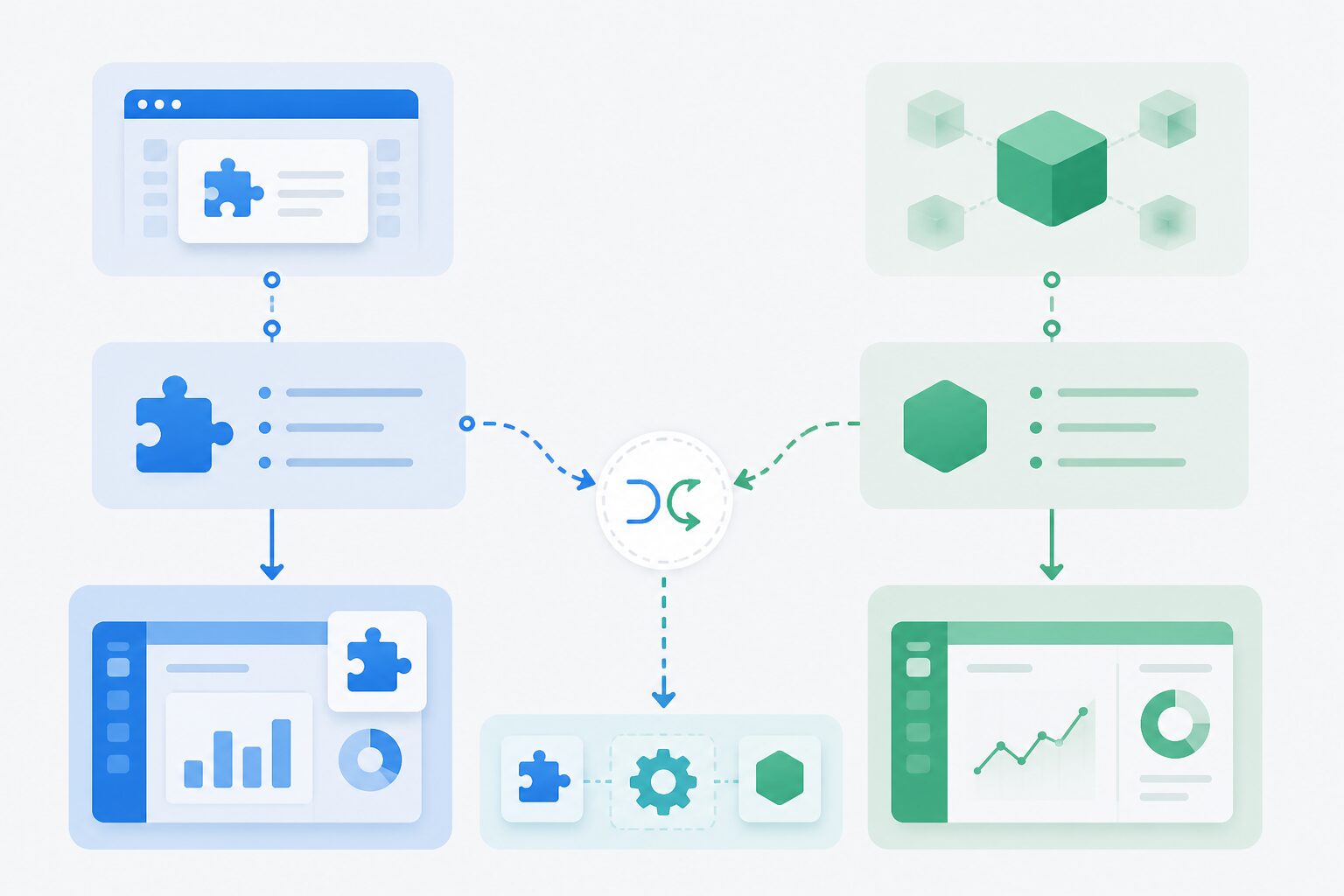 When an ISV evaluates AI loss prevention for self-checkout, the first technical question is rarely about the model. It is usually: how much of our POS workflow must change?
iDetector supports two practical deployment routes: plugin mode and integrated mode. Both can help detect missed scans, wrong scans, fake scans, and obstruction. The difference is how deeply the loss prevention module connects to the POS workflow.
Quick Comparison
| Factor | Plugin Mode | Integrated Mode |
|---|---|---|
| Best for | Pilot, demo, fast validation | Productized POS integration |
| Development effort | Lower | Higher |
| POS workflow control | Limited | Strong |
| Customer-facing UI | Default prompt flow or limited configuration | ISV-owned prompt and exception flow |
| Data passed from POS | Minimal | Barcode, PLU, cart-line ID, session context |
| Best outcome | Prove detection value quickly | Deliver a polished checkout experience |
What Plugin Mode Means
Plugin mode is the faster starting point. The store installs the iDetector loss prevention service, connects the USB camera, completes registration and calibration, and starts monitoring self-checkout risk events.
This is valuable when:
- The retailer wants proof before POS development.
- The ISV wants to evaluate detection quality in a real lane.
- The project team needs a low-friction demo.
- The existing checkout software cannot be modified immediately.
The tradeoff is workflow control. Plugin mode can show whether AI loss prevention is useful, but it may not fully match the ISV’s preferred UI, prompt timing, staff workflow, or basket logic.
What Integrated Mode Means
Integrated mode turns AI loss prevention into part of the checkout product.
The POS can start detection when the shopper enters the basket page, pass barcode or PLU data after scan events, listen for risk results, and decide what happens next.
For example:
- A missed-scan event can trigger a rescan prompt.
- A wrong-scan event can pause checkout and notify staff.
- A corrected event can be recorded as a rescan rather than a completed loss.
- Staff confirmation can feed back into reporting and basket handling.
Integrated mode is best when the ISV wants to package iDetector as a standard feature in its self-checkout offering.
Recommended Migration Path
Most teams should not overbuild before they have store data.
- Start with plugin mode in a small number of lanes.
- Validate camera position, calibration, event quality, and staff response.
- Define which events require POS-level handling.
- Move to integrated mode for customer prompt, rescan, basket, and staff workflows.
- Create a repeatable rollout template for similar devices and stores.
Decision Checklist
Choose plugin mode if:
- You need a quick pilot.
- You cannot change the POS in the first phase.
- You mainly need operational evidence.
- You are comparing lane setup options.
Choose integrated mode if:
- You own the checkout UI.
- You need barcode, PLU, or cart-line context.
- You want custom prompts and staff escalation.
- You plan to sell AI loss prevention as a productized module.
Conclusion
Plugin mode helps ISVs prove value quickly. Integrated mode helps them build a better product.
The strongest path is often sequential: use plugin mode to reduce pilot risk, then use integrated mode to make AI loss prevention feel native to the self-checkout workflow.
CTA: Compare iDetector deployment options with a Winmore Digital integration specialist.
FAQ
Is plugin mode only for demos?
No. It can be useful in some production contexts, but it is strongest as a fast pilot and validation path.
Does integrated mode require rebuilding the POS?
No. It requires defined workflow touchpoints, not a full rebuild. The POS mainly coordinates detection lifecycle, product data input, and event handling.
Can we switch from plugin mode to integrated mode later?
Yes. That is often the recommended path for ISVs that want to validate first and productize later.