
table of contents
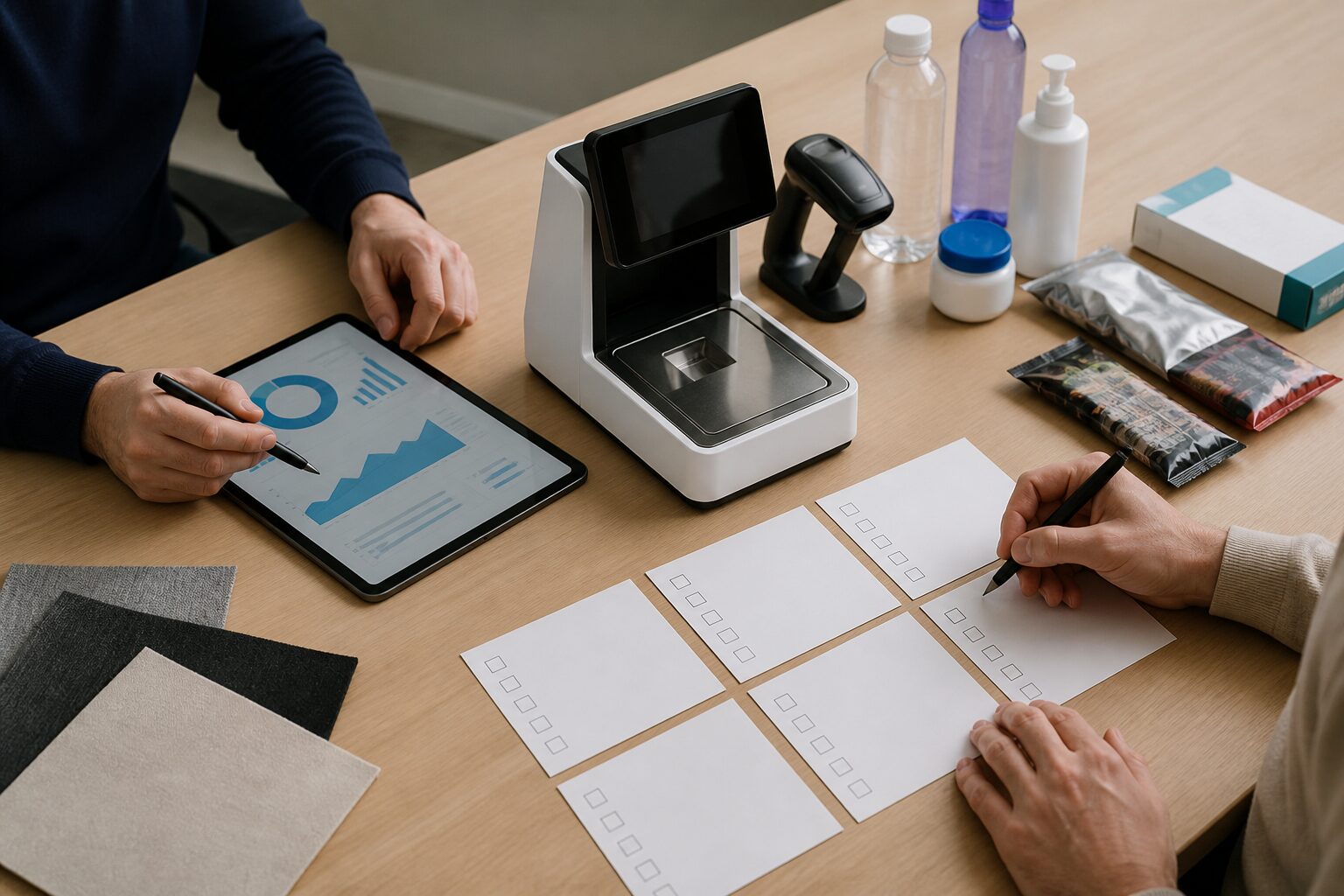 An AI loss prevention pilot should not start with “install it and see what happens.” For ISVs, the goal of a POC is to answer a product question:
Can this AI module become a reliable part of our self-checkout solution without creating too much friction for shoppers, staff, or deployment teams?
This checklist helps ISVs structure an iDetector pilot around real checkout conditions.
1. Define the Pilot Scope
| Item | Decision |
|---|---|
| Store format | Grocery, supermarket, convenience, specialty retail |
| Lane count | Number of self-checkout devices in pilot |
| Device platform | Windows, Android, or mixed |
| Deployment mode | Plugin mode, integrated mode, or phased |
| Target scenarios | Missed scan, wrong scan, fake scan, obstruction, PLU mismatch |
| Pilot duration | Usually long enough to cover weekday, weekend, and peak-hour behavior |
2. Prepare the Checkout Environment
Before installing software, confirm:
- The camera can cover the scan area.
- USB connection is stable.
- Lighting and reflection are acceptable.
- The device has enough resources for POS and local AI workload.
- Store staff understand what prompts and alerts mean.
- Privacy and event-record policies are approved.
3. Define Detection Scenarios
Do not evaluate the system only with artificial test gestures. Include real store behavior.
| Scenario | What to observe |
|---|---|
| Missed scan | Item passes through scan zone without valid barcode input |
| Wrong scan | Barcode or PLU appears inconsistent with the product |
| Fake scan | Scan-like behavior does not create a valid scan event |
| Obstruction | Hand, phone, bag, or other object blocks view |
| Rescan correction | Shopper scans again after a prompt |
4. Decide How the POS Should Respond
For plugin-mode pilots, response options may be more standardized. For integrated mode, the ISV should define:
- Customer prompt copy.
- Whether checkout should pause.
- When staff should be notified.
- How rescans are recorded.
- How admin confirmation affects basket logic.
- Which events are uploaded for later review.
5. Choose Success Metrics
Avoid measuring only raw alert volume. A high alert count is not automatically a good result.
Use a balanced scorecard:
| Metric | Why it matters |
|---|---|
| Missed-scan event count | Shows detection coverage |
| Rescan / correction rate | Shows whether prompts convert loss into correction |
| False alert rate | Protects shopper experience |
| Staff intervention rate | Measures operational burden |
| Event review quality | Determines whether records are useful |
| Device stability | Confirms deployment readiness |
| Checkout friction | Protects customer experience |
6. Review Calibration and Thresholds
If false alerts are high, do not assume the model is the only issue. Check:
- Camera angle.
- Scan-area calibration.
- Depth noise.
- Lighting and reflection.
- Obstruction filtering.
- Detection interval and trigger duration.
- Product library readiness.
For repeatable deployments, save parameter templates for the same device model and similar installation environment.
7. Make the Go / No-Go Decision
At the end of the POC, the ISV should be able to answer:
- Which events were detected reliably?
- Which events created too much friction?
- Which POS workflow changes are required for production?
- Is plugin mode enough, or should the project move to integrated mode?
- What support process is needed for camera calibration and store rollout?
- What reporting does the retailer need to prove operational value?
Conclusion
A good AI loss prevention POC does more than prove that a camera can detect risk. It proves that detection can become a practical checkout workflow.
For ISVs, the right pilot should validate three things at once: detection quality, POS integration fit, and operational acceptance.
CTA: Book an iDetector POC planning session with Winmore Digital.
FAQ
How long should an AI loss prevention POC run?
It should be long enough to include different traffic levels, staff shifts, and real shopper behavior. The exact duration depends on store format and pilot goals.
Should the POC start in plugin mode or integrated mode?
If the goal is quick validation, start with plugin mode. If the goal is product integration, plan the pilot around integrated mode or a phased migration.
What is the biggest POC risk?
Poor setup. Camera position, calibration, lighting, prompt design, and staff process can all affect results.