
table of contents
Best AI product recognition SDK for POS vendors in 2026Best AI product recognition SDK for POS vendors in 2026Best AI product recognition SDK for POS vendors in 2026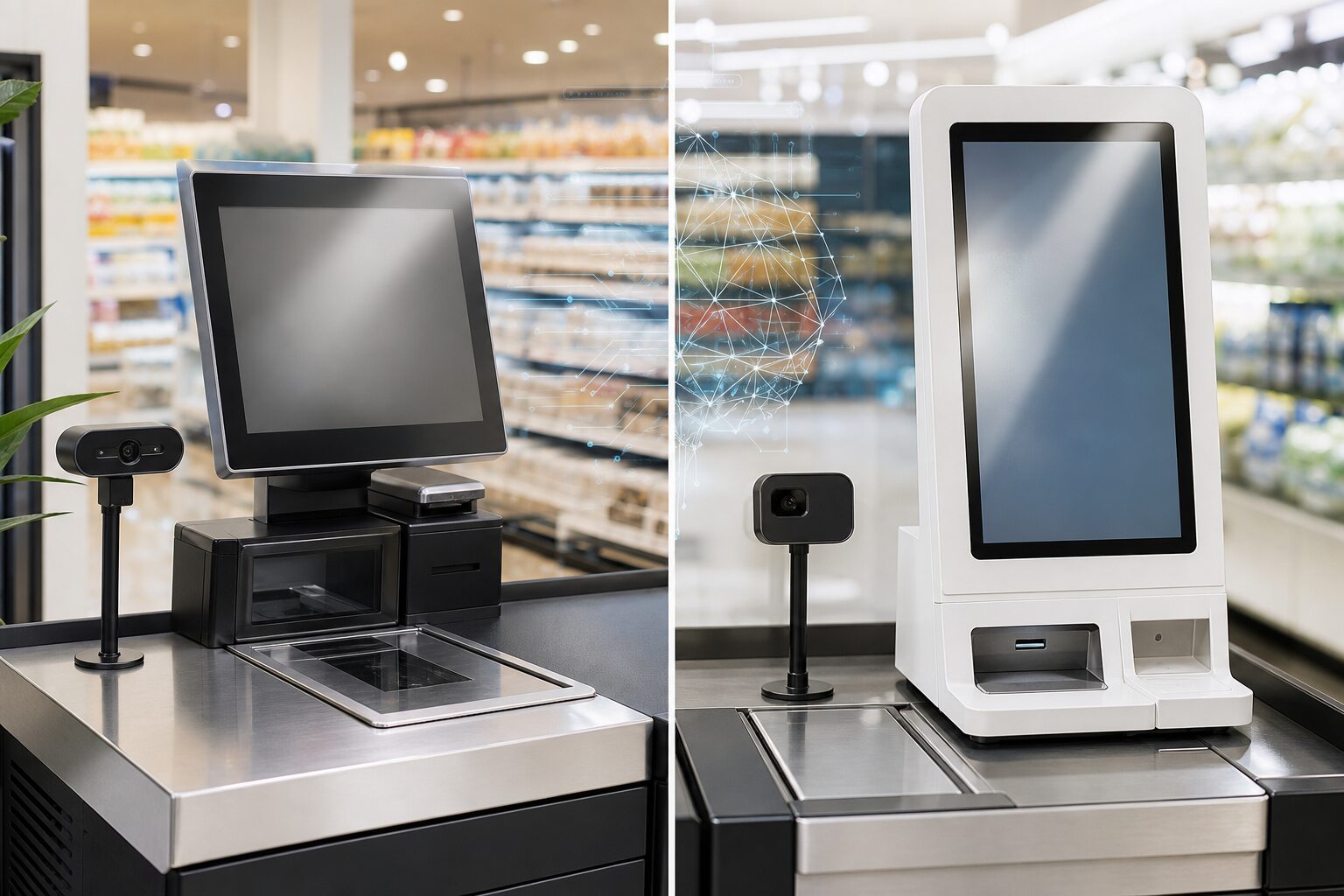 ISVs rarely build for a single perfect checkout device. A real retail fleet may include Windows POS terminals, Android kiosks, embedded self-checkout hardware, and different camera placements across store formats.
iDetector supports both Windows and Android deployment paths so ISVs can choose the route that fits their device fleet.
Platform Comparison
| Area | Windows Deployment | Android Deployment |
|---|---|---|
| Typical form | Local service | SDK / local service |
| Reference OS | Windows 7 or above | Android 7.1 or above |
| Reference CPU | J1900-class minimum | RK3288-class minimum |
| Reference memory / storage | 4GB RAM / 64GB storage | 2GB RAM / 16GB storage |
| Camera | USB depth camera | USB depth camera |
| ISV lifecycle control | Start/pause detection through local service controls | Bind service, initialize, start, pause, unbind |
| Best for | Existing Windows POS fleets | Android self-service terminals and OEM devices |
These are reference requirements, not universal performance guarantees. Final deployment should be validated with the POS workload, camera setup, product library, and store environment.
When Windows Is the Better Fit
Choose Windows when:
- The retailer already runs Windows-based POS or self-checkout terminals.
- The ISV wants a local service integration model.
- Device storage and CPU resources are more predictable.
- The deployment team already manages Windows installers and service monitoring.
Windows is often practical for established POS fleets where the self-checkout software already runs on PC-class hardware.
When Android Is the Better Fit
Choose Android when:
- The OEM device is an Android kiosk or embedded terminal.
- The ISV owns the Android application lifecycle.
- The product team wants SDK-style lifecycle control.
- The deployment must fit lower-power embedded hardware.
Android integration should pay close attention to service binding, initialization timing, camera readiness, and lifecycle transitions between the basket, scanning, and payment pages.
Camera and Calibration Considerations
Regardless of platform, camera setup matters.
The camera should cover the actual scan area, not the entire checkout zone. During implementation, teams should validate:
- Scan-area coverage.
- Depth image quality.
- Obstruction handling.
- Lighting and reflection conditions.
- Calibration repeatability across the same device model.
For multi-store rollout, parameter templates can reduce repeated field work when device model and camera placement are consistent.
Platform Decision Checklist
| Question | Why it matters |
|---|---|
| What operating system does the existing checkout fleet use? | Determines the integration route |
| Can the device support local AI workload beside the POS? | Prevents checkout performance issues |
| Who controls software installation and updates? | Affects rollout and support model |
| Is the camera position repeatable across devices? | Affects calibration and false alerts |
| Does the POS need custom prompts and staff flow? | Favors integrated mode |
| Are fresh produce or PLU workflows required? | Requires product context integration |
Conclusion
Windows and Android can both support AI loss prevention. The right choice depends less on the operating system alone and more on the ISV’s device fleet, checkout lifecycle control, installation model, and support responsibilities.
CTA: Share your device platform and checkout workflow to receive an iDetector integration recommendation.
FAQ
Does Android require SDK integration?
Android deployments commonly use SDK / service integration so the checkout application can control detection lifecycle and handle callbacks.
Does Windows require cloud recognition?
No. iDetector is designed around local recognition at the checkout device. Backend functions can support reporting and management depending on project needs.
Can one ISV support both platforms?
Yes, but the rollout plan should define platform-specific lifecycle, testing, installation, and support requirements.