table of contents
How to Evaluate Missed-Scan Detection at Self-Checkout Without Overloading Staff
Missed-scan detection should identify items that move through a self-checkout lane without a corresponding valid scan. But a pilot cannot be judged by the number of alerts alone. If ordinary shopping behavior repeatedly triggers prompts or staff calls, the feature may add more work than the store can accept.
How many real missed scans did the system catch, and what did it cost the checkout operation to catch them?
This article focuses on measuring those answers. For the broader pilot setup, use the AI loss prevention POC checklist.
Define a missed scan before testing
Write an event definition that your POS team, store staff, and reviewers can apply consistently. A practical definition might be: an item passes through the designated scan area and proceeds toward bagging without a matching valid scan event within the agreed transaction window.
The definition needs to address ordinary exceptions. What if the shopper scans the item on a second attempt? What if two items move together? What if an attendant removes an item from the basket? What if a product is selected through a PLU menu rather than scanned by barcode?
Decide how to label these cases before reviewing pilot results. Otherwise, teams may disagree about whether the software made an error or correctly handled a different workflow.
Build a reviewable test set
Use both planned tests and real store sessions. Planned tests help ensure that important scenarios are covered. Real sessions reveal product handling, lighting, bag placement, and shopper behavior that a demonstration may miss.
For each reviewed event, retain the minimum information needed to judge it under the retailer’s approved data policy: the relevant transaction events, the alert and response, and the permitted image or video evidence. Give reviewers a consistent set of labels, such as:
- Confirmed missed scan
- Valid scan or valid PLU selection
- Shopper correction after prompt
- Unclear evidence
- Camera or POS input failure
Review alerts and a sample of transactions with no alert. Reviewing only alerts can estimate how many prompts were wrong, but it cannot reveal missed events the system never flagged.
Measure detection quality with clear denominators
Two familiar measures answer different questions:
Precision
Precision = confirmed missed-scan alerts ÷ all reviewed missed-scan alerts.
This shows how often an alert was justified.
Recall
Recall = detected missed scans ÷ all confirmed missed scans in the reviewed test set.
This shows how much of the problem the system found.
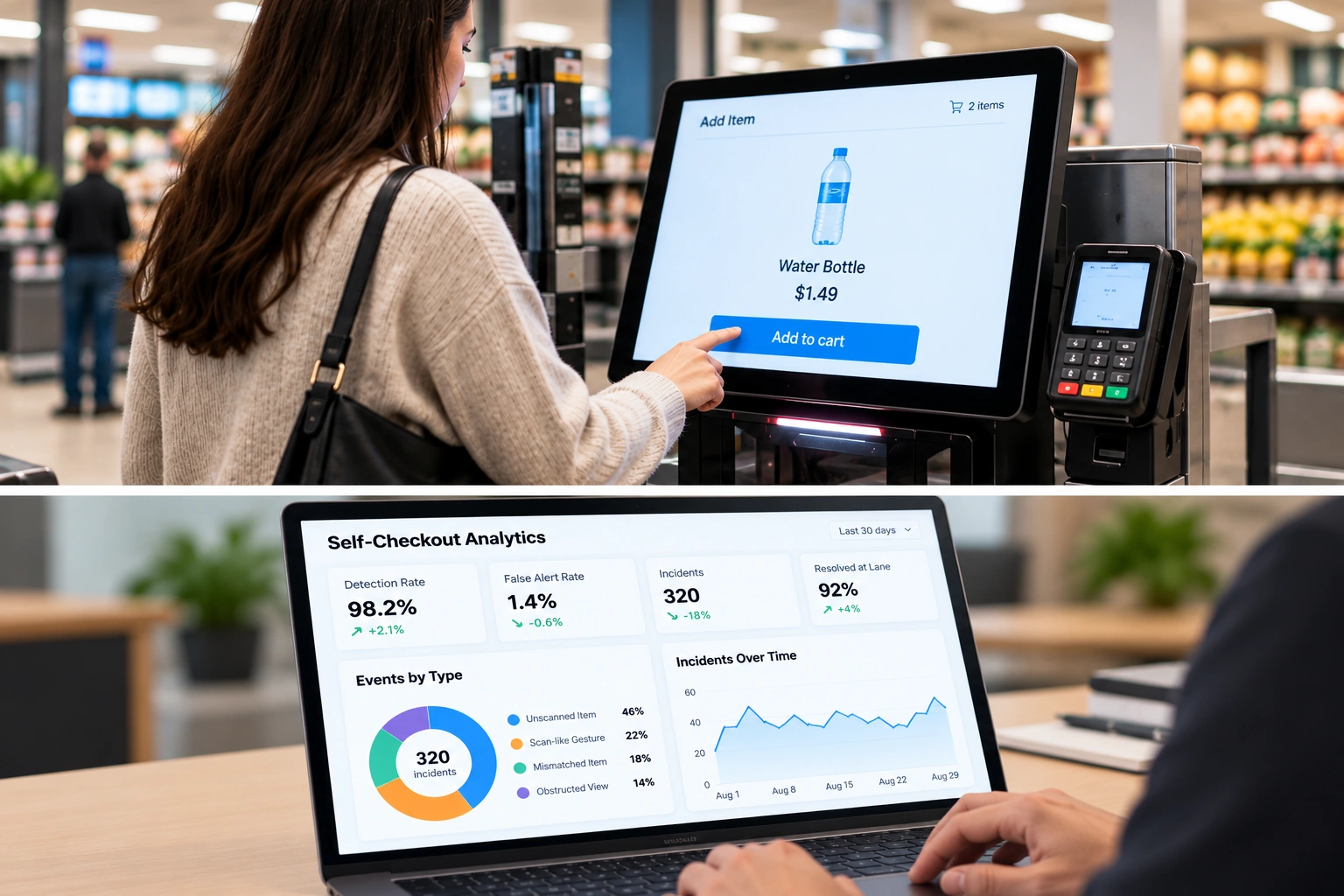
For day-to-day operations, also report false alerts per 1,000 transactions and per lane-hour. These measures translate model performance into a workload a retailer can understand. A rate that sounds small as a percentage may still create frequent interruptions at a busy lane.
If non-alerted transactions are sampled rather than all reviewed, state how that sample was selected. A sample concentrated in quiet hours or easy product categories will not represent the whole pilot. Do not present recall for the full store as a measured fact unless the review method supports that estimate.
Separate detection from the response
A detection may be correct while the response is poorly designed. Track what happens after the alert:
Measure
What it helps answer
Rescan or correction rate
Did the prompt help complete the transaction correctly?
Staff intervention rate
How much attendant time did the feature require?
Prompt dismissal rate
Are shoppers seeing prompts they do not understand?
Added checkout time
Is the response slowing the lane?
Unresolved event rate
How often does an alert end without a clear outcome?
Record these measures by event type and, where possible, by lane and store condition. A pilot should show whether detection fits the checkout workflow, not just whether the software can generate an event.
Investigate false alerts systematically
When a false alert occurs, assign a likely cause before changing detection sensitivity. Useful categories include camera framing, lighting or reflection, a delayed POS scan event, hands or bags crossing the scan area, multiple items moving together, and unclear session start or end rules.
That classification helps the team choose the right fix. Moving a camera will not solve a delayed POS event. Changing a threshold will not repair an incorrect transaction window. Repeatedly lowering sensitivity without understanding the cause may reduce false alerts while allowing more real missed scans through.
Keep a record of each calibration or software change and the transactions used to verify it. Retest previously successful scenarios after a change so an improvement in one category does not conceal a regression elsewhere.
Set pilot acceptance criteria before seeing the results
There is no single acceptable false-alert rate for every retailer. A high-volume grocery lane and a low-volume specialty lane have different operating demands. Set criteria with the customer before the pilot, using their checkout volume, staff coverage, product mix, and tolerance for shopper interruptions.
An acceptance decision should cover:
- Detection of the missed-scan scenarios selected for the pilot.
- False alerts per transaction and per lane-hour.
- Rescan and staff-intervention outcomes.
- Added checkout time.
- Device stability and recovery from camera or service failures.
- Whether the results remain acceptable across busy and quiet periods.
If results miss a criterion, document whether the cause is fixable through installation, POS workflow changes, calibration, or a different response. That creates a useful next decision: revise and retest, narrow the supported scenario, or stop the rollout.
Turn the evaluation into an integration decision
A POS vendor should finish the pilot knowing which events merit a shopper prompt, which require staff review, and which should be recorded without interrupting checkout. The vendor should also know what transaction data and UI control are needed for production.
iDetector supports self-checkout loss prevention, while its SDK integration guide describes how detection can connect to POS events and responses. If you want to test missed-scan detection on your hardware and workflow, request the iDetector SDK overview and include your device platform, lane configuration, and proposed success measures.