table of contents
Self-Checkout Loss Prevention Software: A Buyer’s Guide for POS Vendors
A self-checkout loss prevention feature has to do more than identify a suspicious movement. For a POS vendor, it must fit the transaction flow, give shoppers a clear way to correct mistakes, and provide evidence that retailers can use to decide whether to deploy it across more lanes.
This guide explains how to evaluate self-checkout loss prevention software as a product component. If you first need an overview of why loss occurs at self-checkout, see our guide to self-checkout loss scenarios.
Define the events the software must handle
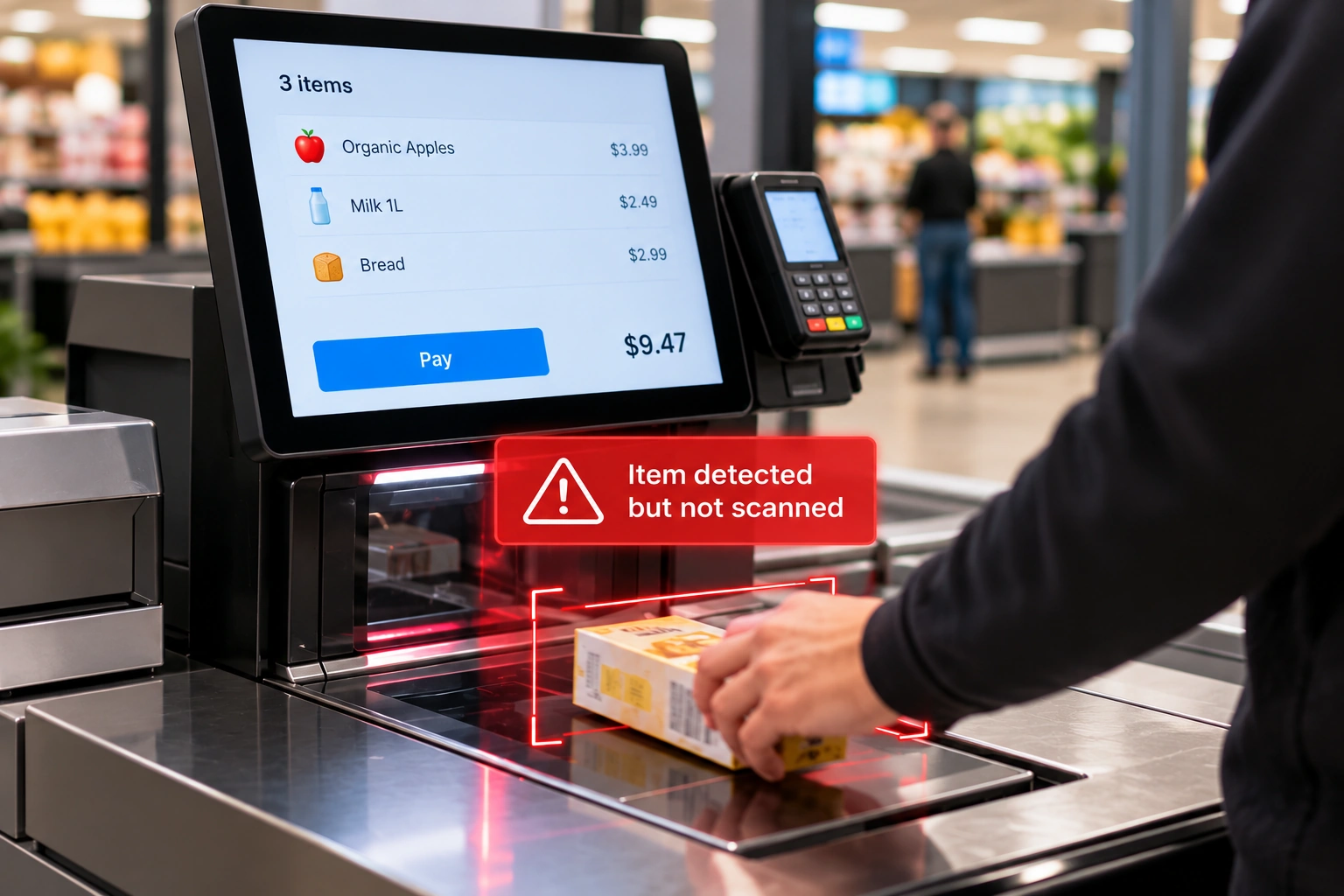
Start with the events your customers need to detect. Common requirements include an item moving through the scan area without a valid scan, a scan-like gesture that produces no transaction event, an item that appears inconsistent with its scanned barcode, and an obstructed view of the scan area.
These events should not all produce the same response. A possible missed scan may call for a shopper-facing rescan prompt. A suspected product mismatch may need an attendant to review the item. An obstructed camera may require a setup warning rather than an accusation.
Ask each vendor to describe, for every supported event:
- What inputs are required?
- When does detection start and stop?
- What result does the software return?
- What can the POS do with that result?
- What happens if the event is uncertain or the shopper corrects it?
A feature list alone cannot answer those workflow questions.
Check how vision and POS data work together
A camera can observe item movement. A POS system knows what was scanned, selected, added to the basket, or paid for. Loss prevention software becomes more useful when those signals can be evaluated in the same checkout session.
For example, if an item moves through the scan area, the software needs enough transaction context to determine whether a valid scan followed. If a barcode is read, visual information may help assess whether the physical item is consistent with the transaction record. The POS then needs a defined response: prompt, rescan, attendant review, or event record.
During procurement, request a workflow diagram showing where those inputs and outputs sit in the transaction. Your engineers should be able to identify who owns the session ID, camera lifecycle, prompt interface, basket state, and event log.
For a deeper technical view, read the iDetector SDK integration guide.
Choose the right level of integration
The fastest way to test detection may differ from the best way to ship it as part of your POS product.
| Evaluation question | Plugin deployment | Integrated deployment |
|---|---|---|
| Main purpose | Validate a lane with limited POS changes | Build loss prevention into the POS experience |
| Prompt and exception flow | More standardized | Controlled by the POS vendor |
| Development work | Generally lower | Requires workflow and event integration |
| Best decision it supports | “Does detection work in this environment?” | “Can we offer this as a repeatable product feature?” |
iDetector offers plugin and integrated deployment options. The right starting point depends on your pilot goal. If you need store evidence before changing POS software, a plugin pilot may be appropriate. If you are designing a standard feature for many customers, evaluate the integrated path early, even if the first pilot uses a simpler setup.
Evaluate alerts as part of the checkout experience
An alert is not automatically a successful outcome. It can prevent an unscanned item from leaving the lane, but it can also interrupt a legitimate transaction.
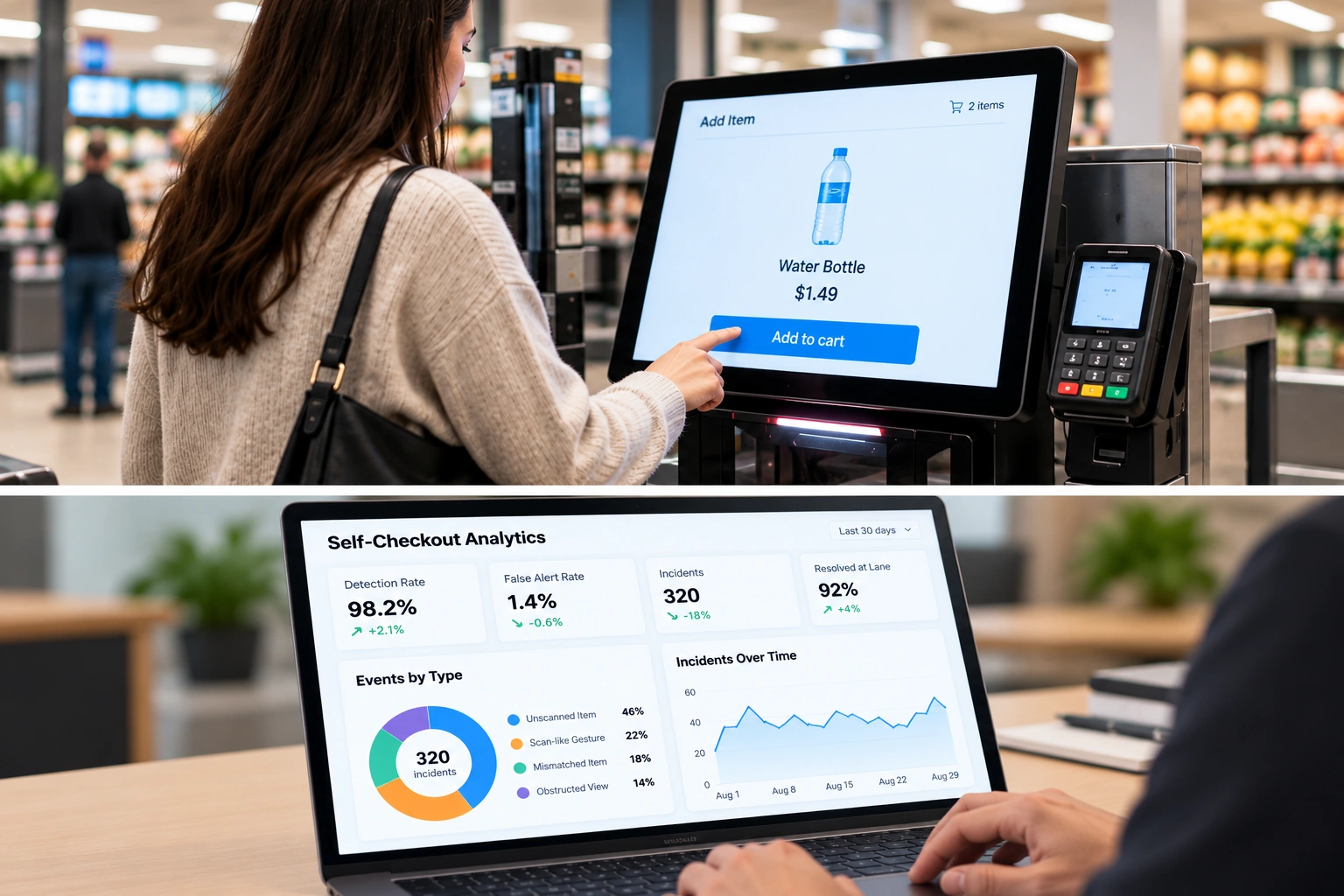
Ask for results that separate detection from resolution:
- How many suspected events were confirmed?
- How many alerts were false?
- How often did a shopper complete a rescan after a prompt?
- How often did an attendant need to intervene?
- How much time did the response add to checkout?
- Could staff understand and review the event record?
The answer should be broken down by event type and store conditions. A single overall “accuracy” figure can hide a poor result for a common product category or a difficult camera position.
Test the software on your actual hardware
A polished demonstration on one device does not establish deployment fit across your fleet. Before selecting a solution, test representative POS hardware, operating systems, camera mounts, lighting conditions, and store formats.
Record the resources used by the POS and the vision component together. Check what happens when the camera disconnects, the local service restarts, or the network becomes unavailable. Checkout should have a defined fallback path, and staff should know whether the lane can continue operating.
Also ask who will own calibration and support after installation. A system that performs well only after specialist adjustment may be difficult to roll out at scale.
Request evidence you can use for a rollout decision
A useful pilot ends with a decision, not just an alert count. Agree on success measures before installation, capture a baseline, and review confirmed events alongside false alerts and operational effort.
The evidence package should include:
- The tested device, camera position, software version, and store conditions.
- A clear definition of each target event.
- A sample of reviewed alerts and non-alerted transactions.
- Correction, false-alert, and staff-intervention results.
- Known failure cases and required workflow changes.
- A recommendation for wider rollout or another test.
Our AI loss prevention POC checklist can help structure the wider pilot. The evaluation should establish whether the software works within your checkout flow, not rely on a universal savings estimate.
Questions to send a vendor
Before requesting a proposal or SDK package, ask:
- Which loss events can you detect on our checkout configuration?
- What camera, operating system, and device resources are required?
- What barcode, PLU, basket, and session data can the software use?
- Can our POS control prompts, rescans, attendant alerts, and event records?
- How are false alerts measured and reviewed?
- What happens when detection is unavailable?
- What does our team need to build for a production integration?
- What evidence will the pilot provide for a rollout decision?
The strongest answer is specific to your device and workflow.
Evaluate iDetector for your checkout product
iDetector is designed for self-checkout loss prevention and supports both a faster plugin route and deeper POS integration. If you are assessing it for an existing POS or kiosk product, share your device platform, checkout workflow, target events, and pilot goals when you request the iDetector SDK overview. That gives both teams a concrete basis for discussing integration and evaluation.